
UPI
- Minimum Withdrawal: INR 100;
- Maximum Withdrawal: INR 100,000 per transaction;
- Processing Time: Up to 24 hours;
- Fees: Free.
Mostbet India supports multiple withdrawal methods including UPI, PhonePe, Paytm, bank transfer, and cryptocurrency. The minimum withdrawal amount starts from INR 100 for most e-wallets. Processing times range from instant for some e-wallets to up to 5 business days for bank transfers. No platform fees apply on standard withdrawal requests. Your account must be verified before any withdrawal can be processed. Use the button below to access your withdrawal dashboard.

Mostbet India offers several verified withdrawal options for local players. Each method carries its own minimum and maximum limits, processing time, and fee structure. Review the options below before submitting your withdrawal request.
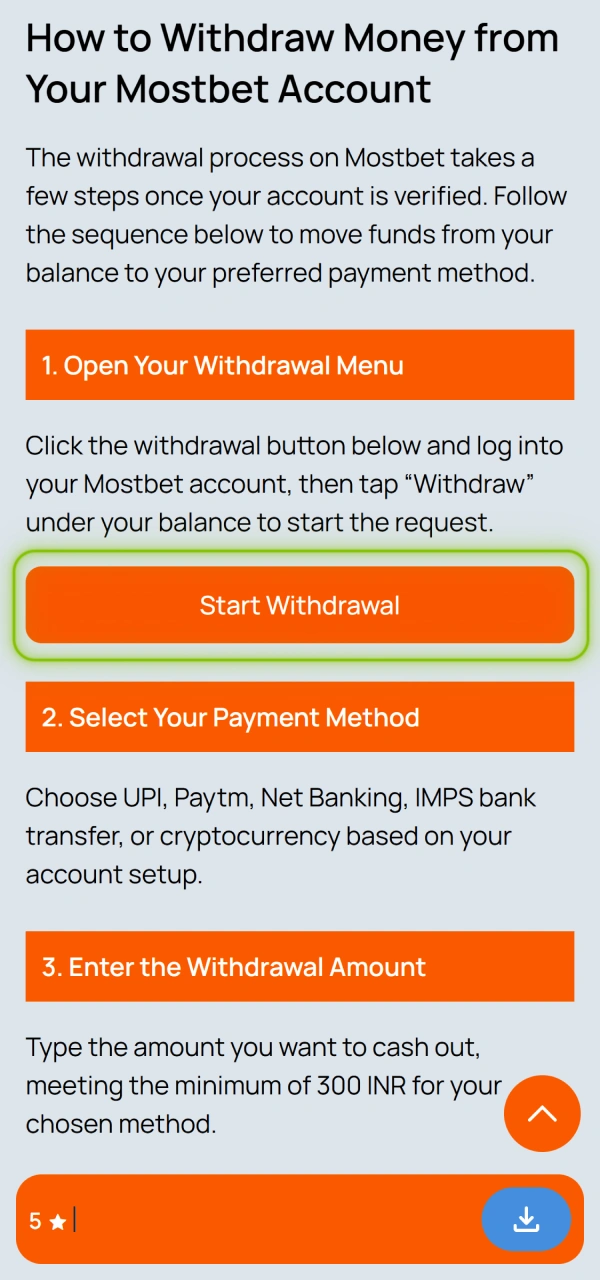
The withdrawal process on Mostbet takes a few steps once your account is verified. Follow the sequence below to move funds from your balance to your preferred payment method.
Click the withdrawal button below and log into your Mostbet account, then tap “Withdraw” under your balance to start the request.
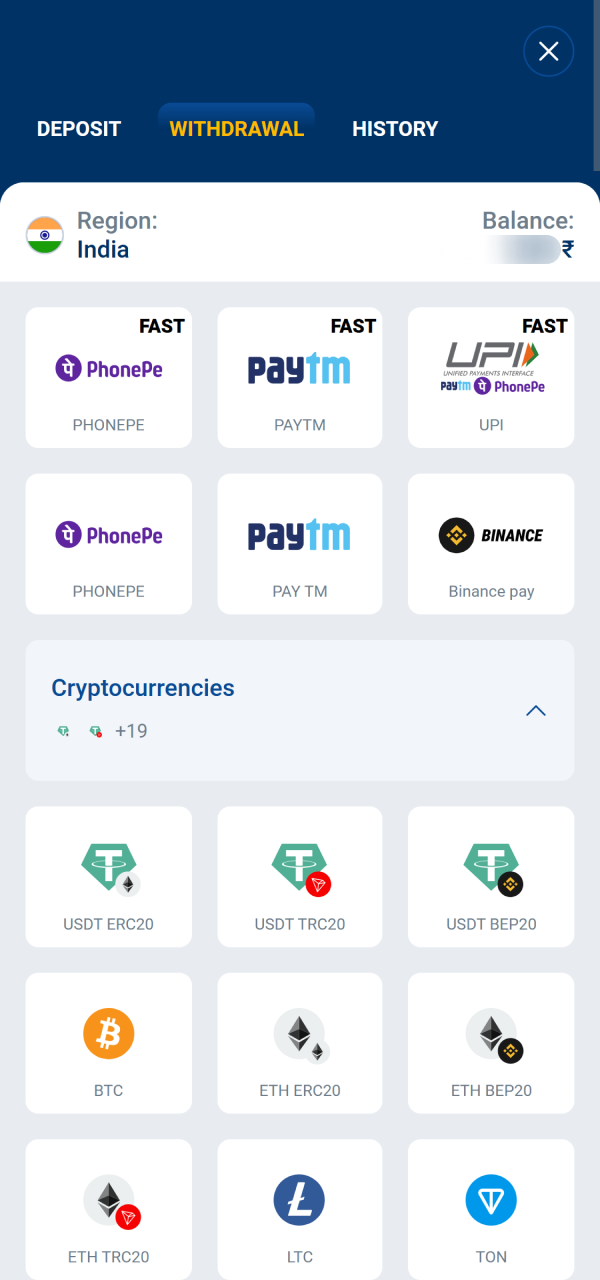
Choose UPI, Paytm, Net Banking, IMPS bank transfer, or cryptocurrency based on your account setup.
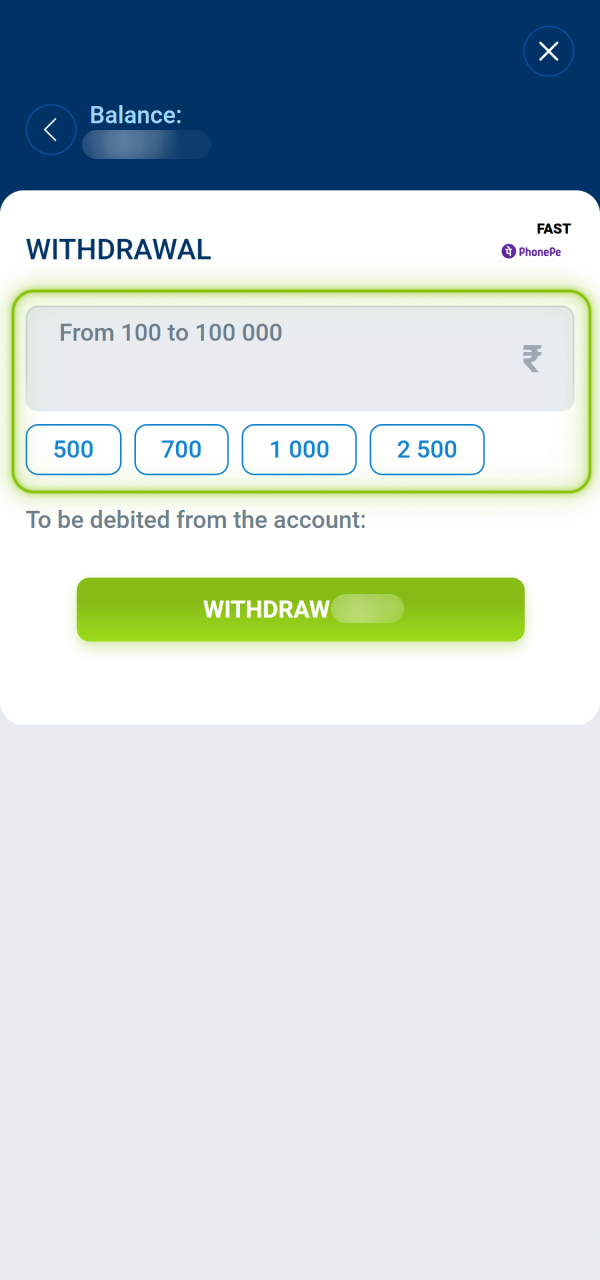
Type the amount you want to cash out, meeting the minimum of 300 INR for your chosen method.
Review the details and submit your withdrawal request for processing.
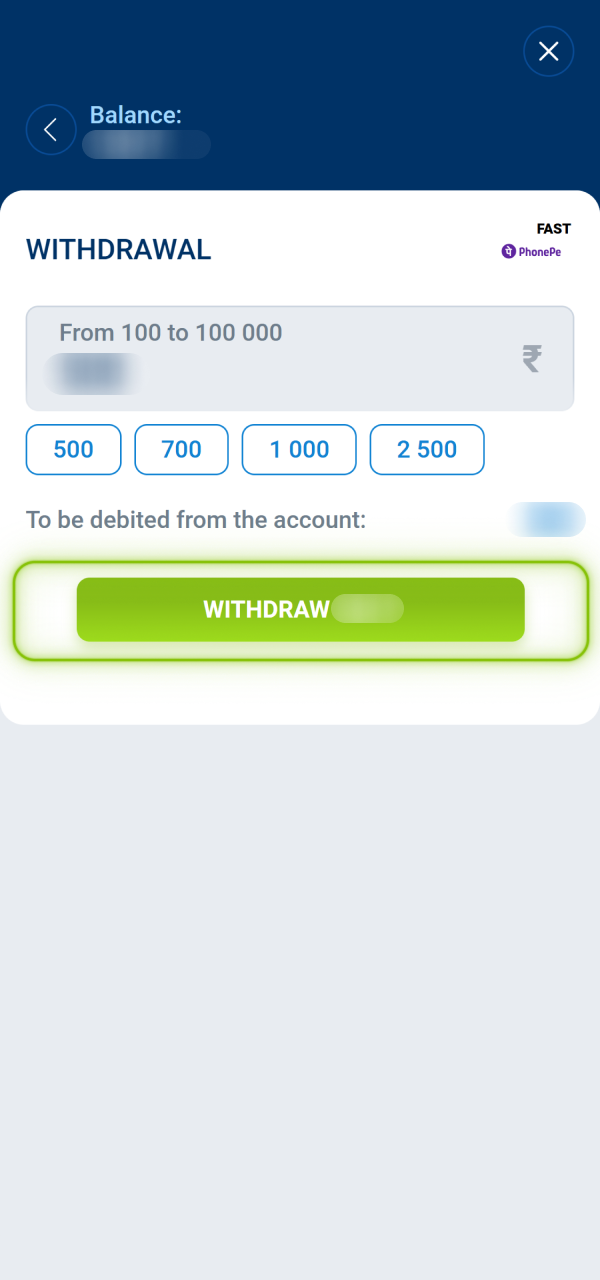
Upload your ID or payment proof if the system flags your first withdrawal for a KYC check.
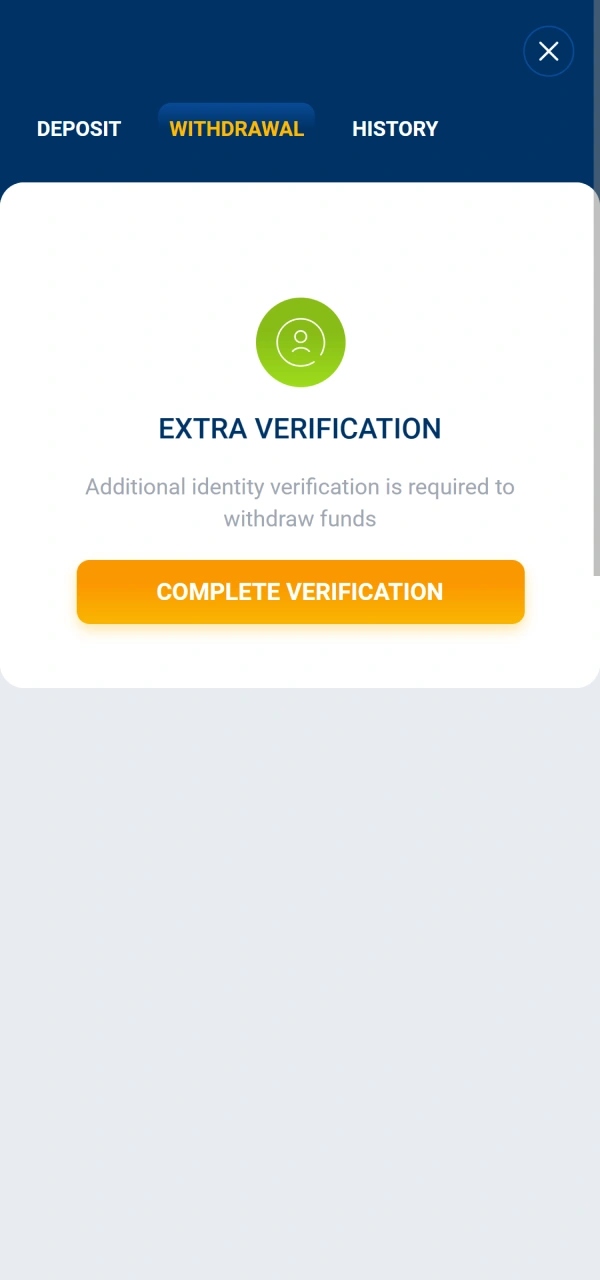
Open the transaction history tab to see your payout move from pending to completed.
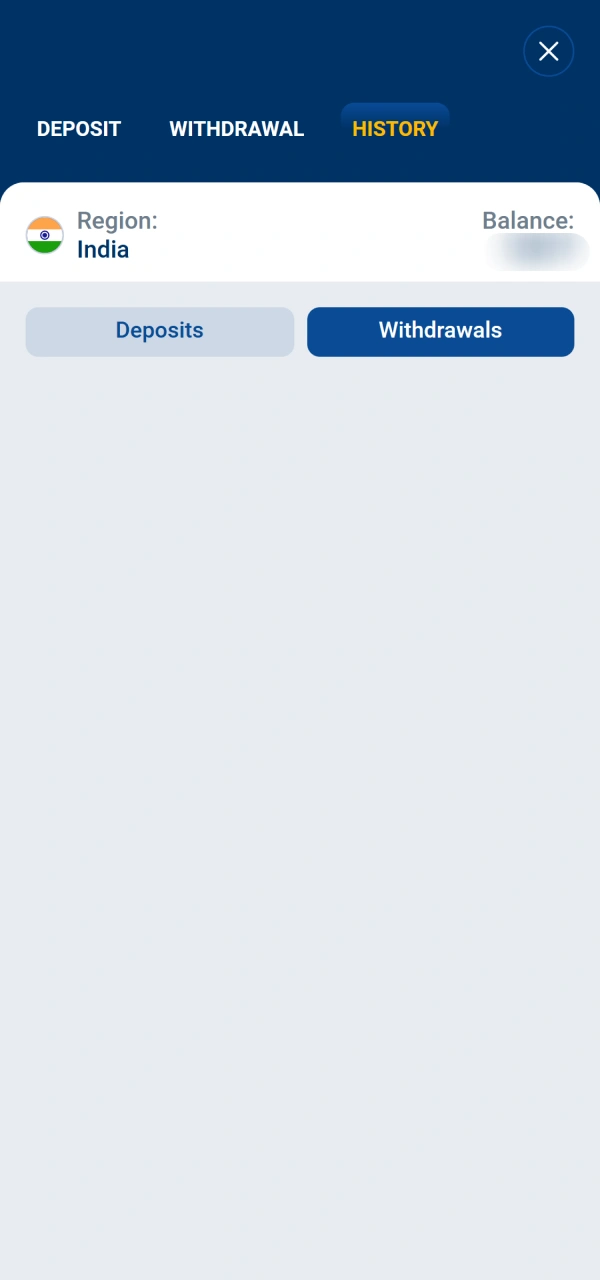
Before your withdrawal request can be processed, your account must satisfy several verified conditions. Meeting these requirements in advance helps avoid delays or rejected requests.
Withdrawal times differ depending on the payment method selected and the time taken by the receiving institution to credit your account. The timeframes below reflect verified information for Mostbet India users.
| Withdrawal Method | Processing Time | Additional Processing |
|---|---|---|
| UPI | Up to 24 hours | Bank may add 1 business day |
| PhonePe | Up to 24 hours | Bank may add 1 business day |
| Paytm | Up to 24 hours | Paytm wallet crediting is generally instant once processed |
| Bank Transfer (IMPS/NEFT) | 1 to 5 business days | Dependent on receiving bank processing schedule |
| Bitcoin | Up to 24 hours | Blockchain network congestion may extend crediting |
| Ethereum | Up to 24 hours | Network gas load may affect final confirmation time |
| USDT (TRC-20 / ERC-20) | Up to 24 hours | Network congestion may apply depending on chain used |
Before submitting a withdrawal request, confirm that your chosen method is within your required transaction range and that you are aware of any applicable fees. The table below covers only verified values for India.
| Payment Method | Minimum Withdrawal | Maximum Withdrawal | Fee |
|---|---|---|---|
| UPI | INR 100 | INR 100,000 | Free |
| PhonePe | INR 100 | INR 100,000 | Free |
| Paytm | INR 100 | INR 100,000 | Free |
| Bank Transfer (IMPS/NEFT) | INR 1,000 | INR 500,000 | Free |
| Bitcoin | Equiv. INR 500 | Equiv. INR 1,000,000 | Network fee (blockchain) |
| Ethereum | Equiv. INR 500 | Equiv. INR 1,000,000 | Network fee (blockchain) |
| USDT | Equiv. INR 500 | Equiv. INR 1,000,000 | Network fee (blockchain) |
Identity and payment verification can affect your ability to withdraw funds. Completing these checks proactively keeps your account ready for immediate withdrawal processing.
Once a withdrawal request is submitted, it moves through several internal stages before funds reach your payment method. The steps below reflect the verified post-submission process.
After submitting a withdrawal, you can monitor its progress directly from within your Mostbet account. The transaction history section provides the following verified information.
Withdrawals may occasionally be delayed, declined, or placed under additional review. The table below covers the most common issues encountered by Mostbet India users, along with recommended actions.
| Problem | Possible Cause | Recommended Action |
|---|---|---|
| Withdrawal request rejected | Account not fully verified or bonus wagering requirement not completed | Complete KYC verification and confirm all wagering conditions are met before resubmitting |
| Withdrawal delayed beyond stated timeframe | Payment provider processing delay or high transaction volume | Check transaction status in your account history and contact support if the delay exceeds 5 business days |
| Verification documents requested | Large withdrawal amount or new payment method triggered a security review | Submit the requested documents promptly through your account settings |
| Incorrect payment details entered | Wrong UPI ID, account number, or crypto wallet address provided | Cancel the request if still pending and resubmit with accurate payment details |
| Withdrawal limit exceeded | Requested amount exceeds the per-transaction maximum for the selected method | Split the withdrawal into multiple requests that comply with per-transaction limits |
All withdrawal requests from Mostbet India are subject to a set of verified platform rules. Review these conditions before initiating a transaction to avoid processing issues.
Mostbet offers a dedicated Android APK app and an iOS-compatible PWA (Progressive Web App) for Indian users. Both support the full withdrawal workflow available on desktop, including method selection, amount entry, and request confirmation. No features are restricted on mobile. All verified withdrawal methods for India, including UPI, PhonePe, Paytm, and bank transfer, are accessible through the mobile interface. Download the app or access the PWA from your mobile browser to initiate withdrawals on the go.
Not every payment method available on the platform supports withdrawals. The table below lists only methods for which withdrawal availability and all associated values have been verified for Mostbet India users.
| Payment Method | Withdrawal Available | Minimum | Maximum | Processing Time |
|---|---|---|---|---|
| UPI | Yes | INR 100 | INR 100,000 | Up to 24 hours |
| PhonePe | Yes | INR 100 | INR 100,000 | Up to 24 hours |
| Paytm | Yes | INR 100 | INR 100,000 | Up to 24 hours |
| Bank Transfer (IMPS/NEFT) | Yes | INR 1,000 | INR 500,000 | 1 to 5 business days |
| Bitcoin | Yes | Equiv. INR 500 | Equiv. INR 1,000,000 | Up to 24 hours |
| Ethereum | Yes | Equiv. INR 500 | Equiv. INR 1,000,000 | Up to 24 hours |
| USDT | Yes | Equiv. INR 500 | Equiv. INR 1,000,000 | Up to 24 hours |
Withdrawal access depends on your account status, verified identity, selected payment method, and compliance with platform conditions. The following eligibility conditions are verified for Mostbet India users.
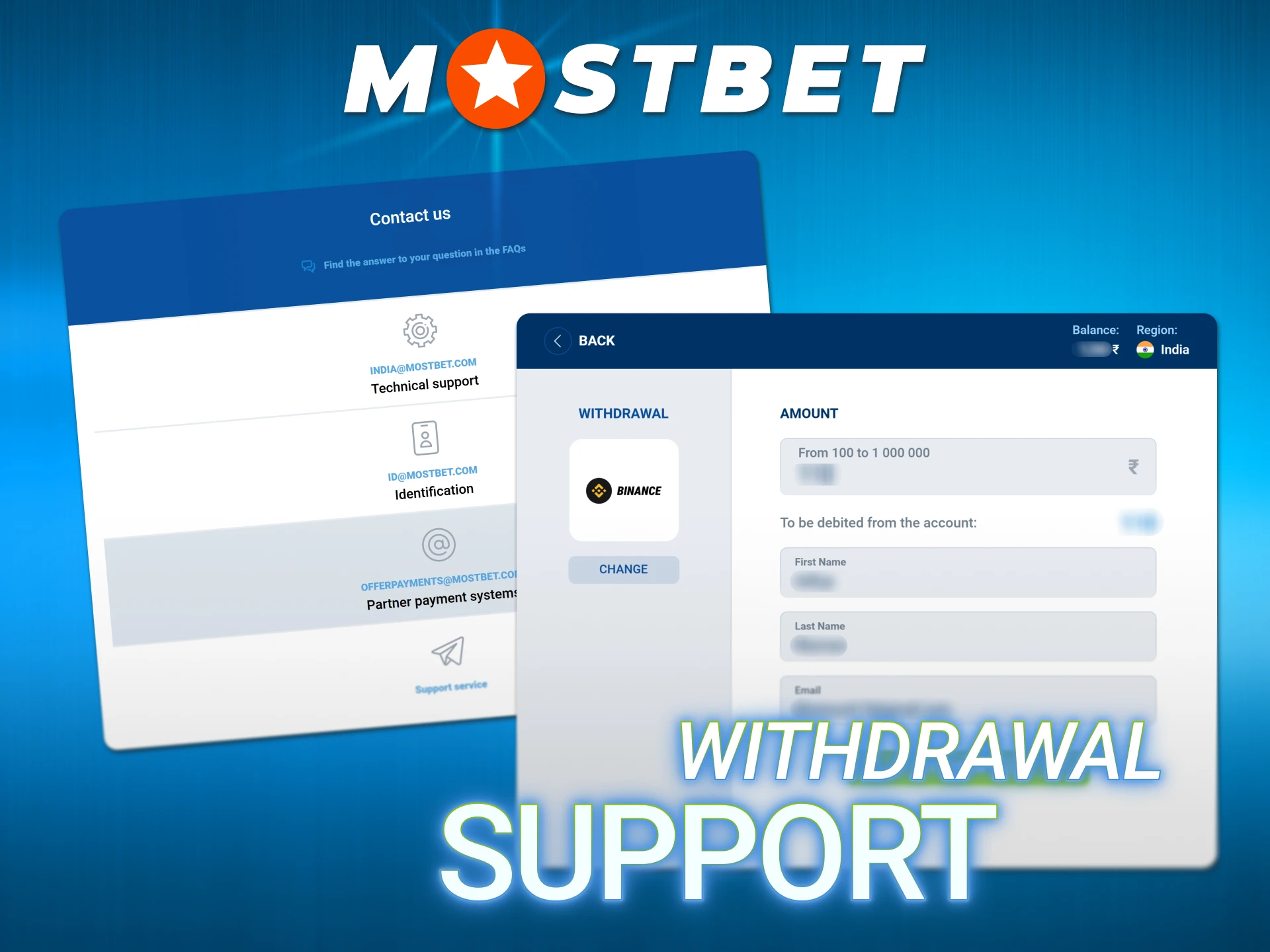
If you encounter any issue with a withdrawal request, Mostbet support is available through several verified channels. Use the appropriate contact method based on the nature of your query.
A rejected withdrawal is usually caused by incomplete KYC verification, unmet bonus wagering requirements, or mismatched payment details. Check your account notifications for the stated reason, resolve the flagged issue, and resubmit the withdrawal request.
UPI, PhonePe, and Paytm withdrawals are processed within 24 hours. Bank transfers may take up to 5 business days. If your request has exceeded these timeframes, contact support with your transaction reference number.
Withdrawals must be made to a payment method registered in your name. The platform may require the same method used for your deposit, depending on the transaction history and verification status of your account.
Per-transaction limits apply to each withdrawal method. UPI, PhonePe, and Paytm have a maximum of INR 100,000 per transaction. Bank transfers allow up to INR 500,000 per transaction. Cumulative daily or monthly caps may also apply based on account level.
KYC verification is a one-time requirement. Once your identity and payment method are confirmed, subsequent withdrawals do not require re-verification unless a security review is triggered.
Withdrawals in pending status may be cancellable through the transaction history section of your account. Once a request moves to processing or completed status, it cannot be reversed.
Updated: