
Mostbet Application India – Download Android APK & iOS App
The Mostbet application is one of the lightest and most complete mobile betting platforms available to Indian users – the Mostbet APK weighs just 8.80 MB. It installs in under 30 seconds on any 4G connection and runs smoothly on budget Android phones that power most of India’s mobile internet users.
The Mostbet India app is not a global product with a translation layer – it is built for the Indian market specifically:
- Hindi + English interface throughout;
- UPI, Paytm, PhonePe deposits and withdrawals in ₹INR;
- Teen Patti and Andar Bahar in live dealer format;
- Aviator crash game with ₹10 minimum bet;
- IPL live betting with ball-by-ball odds updates;
- Push notifications for cricket match starts and IPL fixtures.
The Mostbet mobile app is available for Android as APK, iOS (App Store), and as a Safari Web App for iPhone users who prefer zero storage usage.
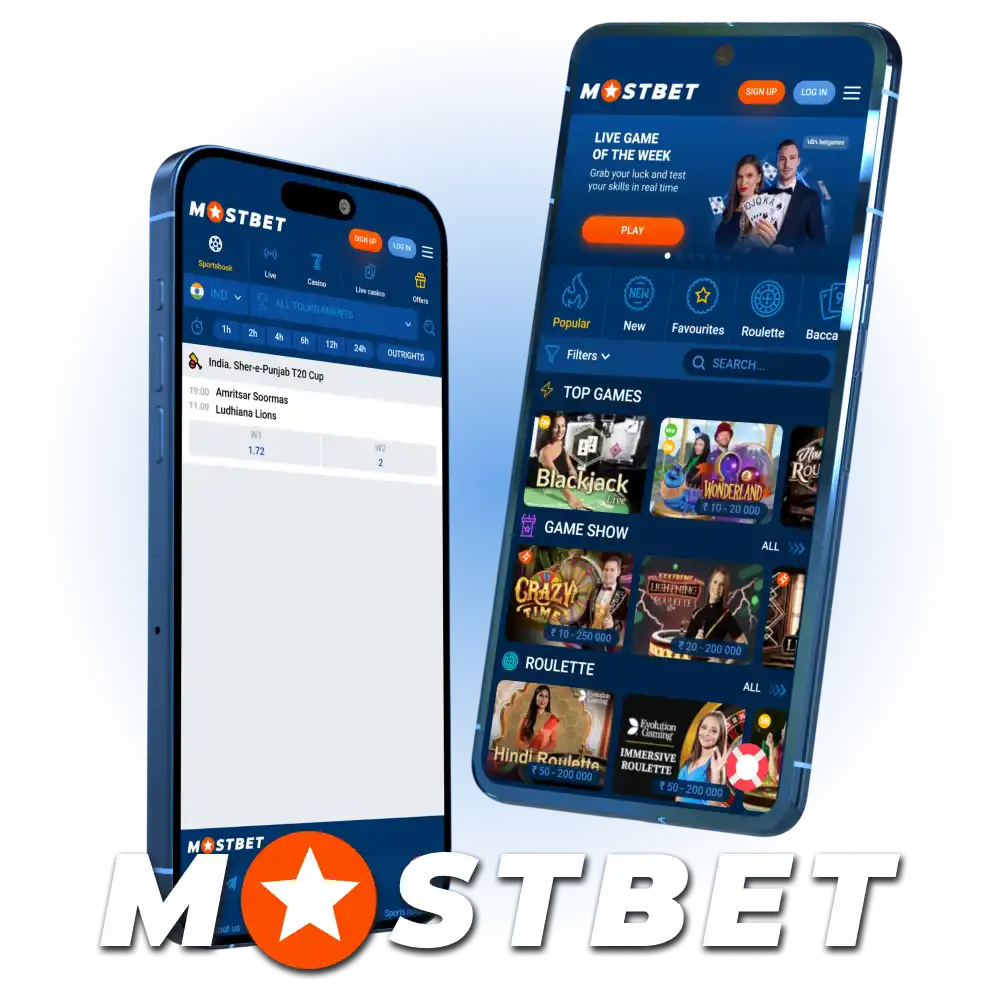
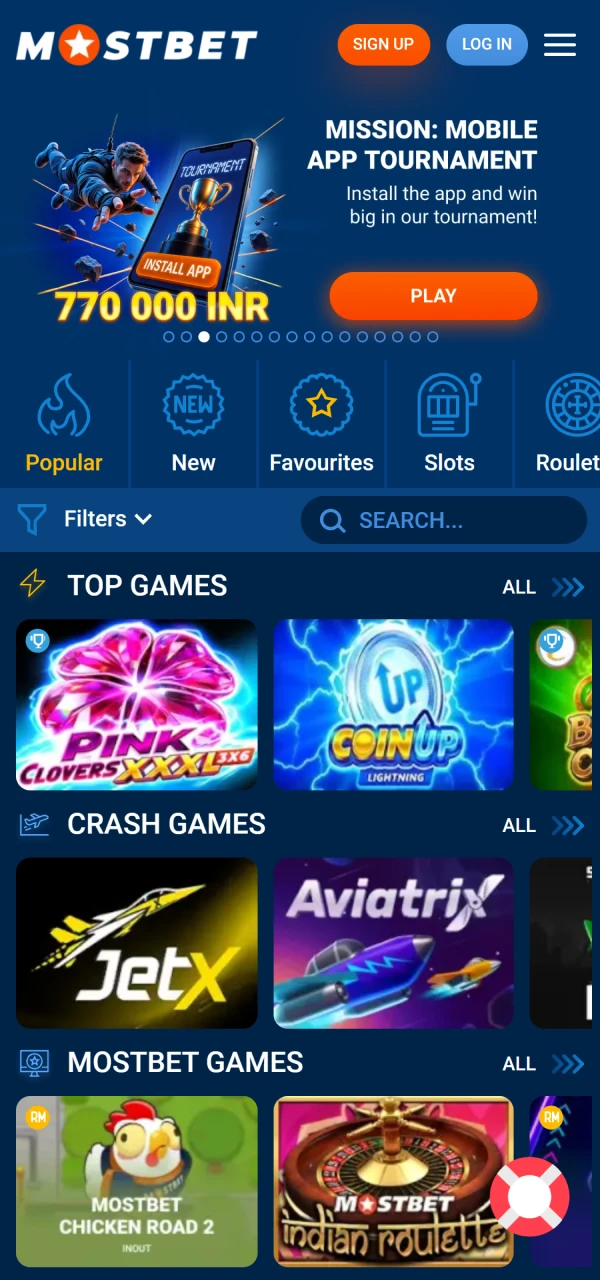
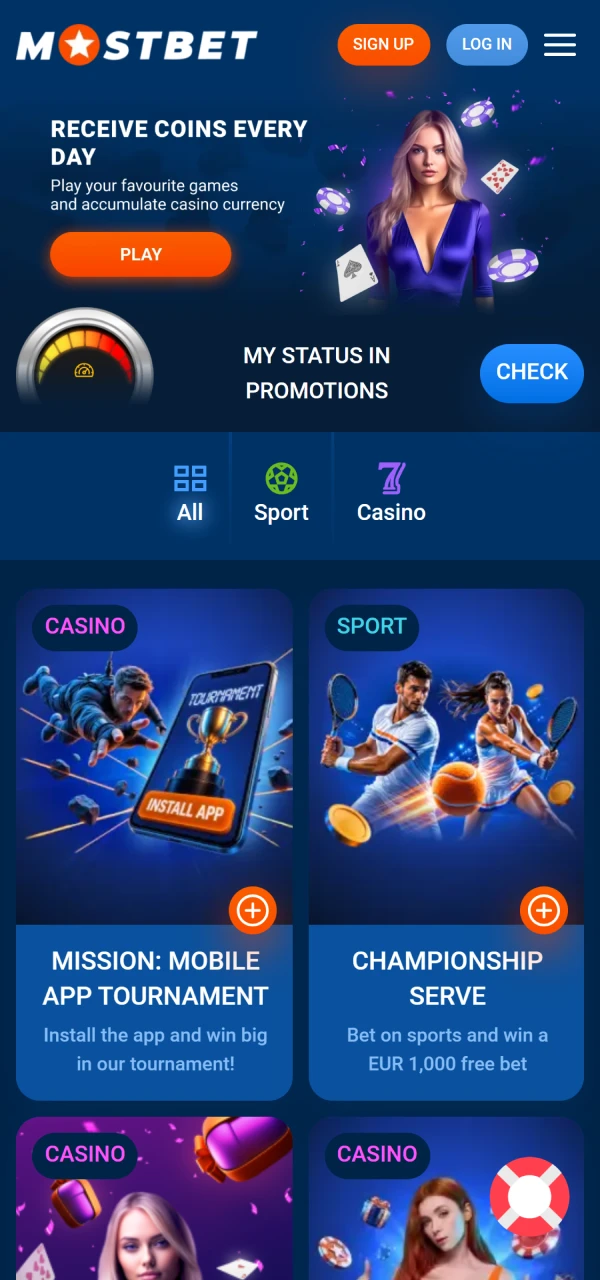
Mostbet App Interface
The Mostbet app features a clean, intuitive interface that makes it easy to move between sports betting, casino games, promotions, and account settings. The main sections are clearly organized, helping users quickly find markets, games, payment options, and other essential features from their mobile device.
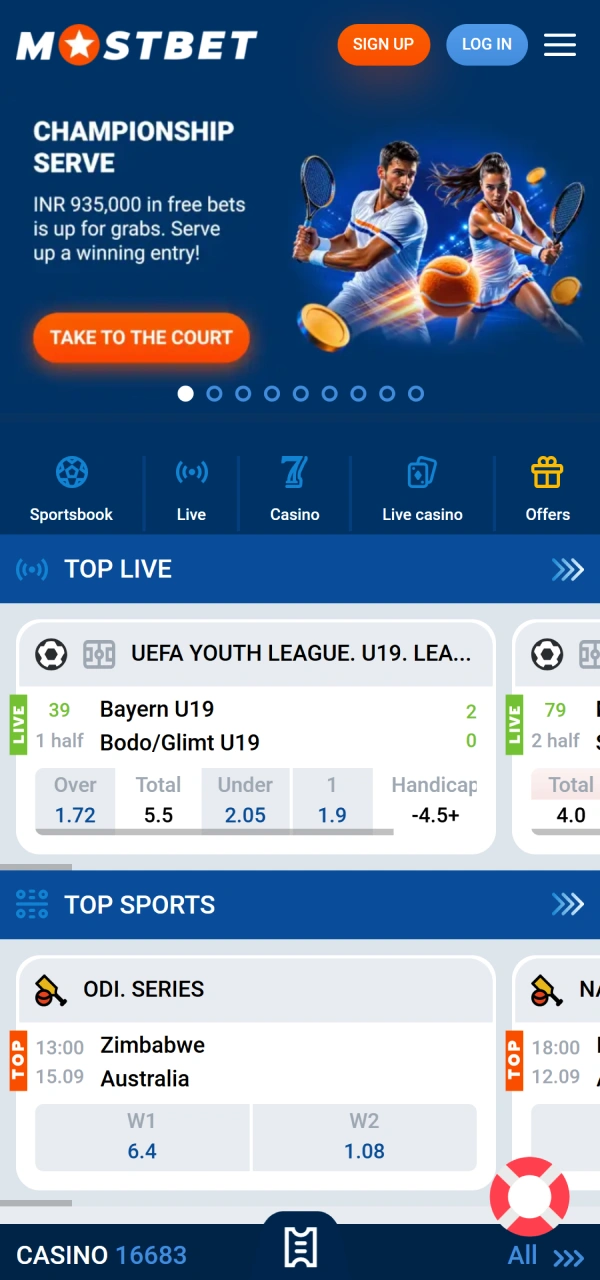
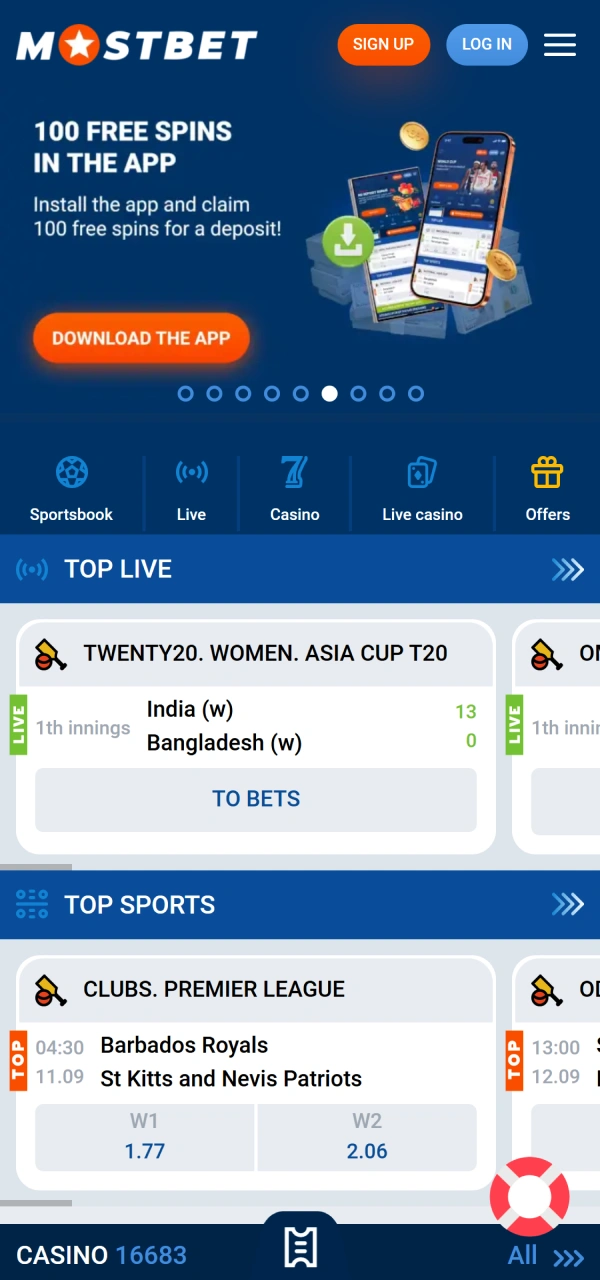
Why the Mostbet App is Built for Indian Users
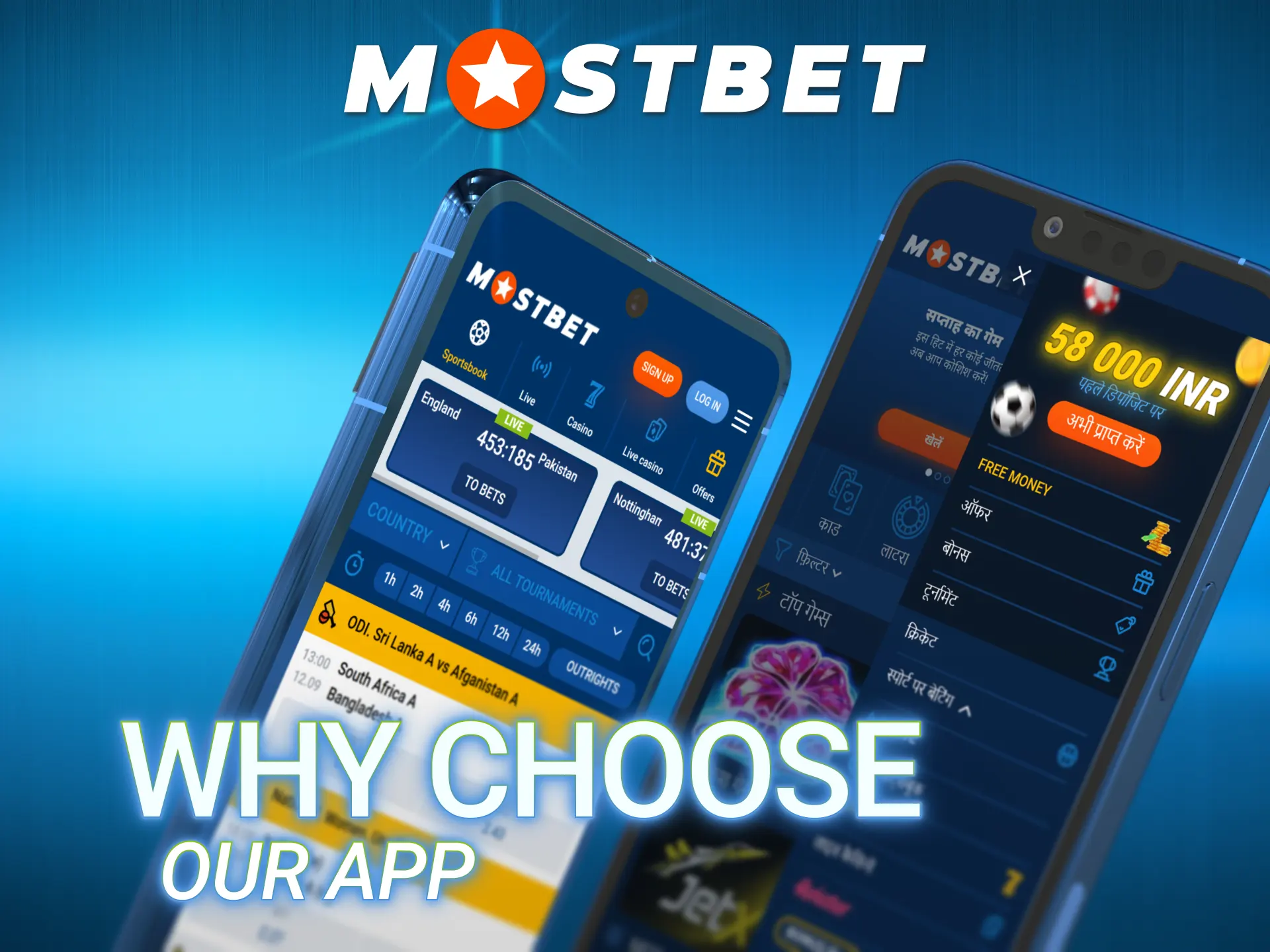
Most international betting apps are global products adapted for India. The Mostbet online app takes a different approach – the interface, payment system and game library are configured specifically around what Indian bettors use daily.
Key India-specific features you get the moment you open the app:
- Hindi language available for all menus, buttons, bet slips and notifications;
- INR currency across all transactions – no conversion fees or exchange rates;
- Local payments directly in the app: UPI (Google Pay, BHIM, PhonePe), Paytm, Net Banking;
- Indian games: Teen Patti and Andar Bahar in both demo and live dealer formats;
- Cricket-first layout: the IPL section is prominently featured, not buried in the sports menu;
- Low-data mode: sports betting and live markets work on 3G without buffering;
- Minimum bet ₹10: accessible for users at every budget level.
Mostbet App Technical Specifications
Before downloading, verify your device meets the requirements. The table below covers both platforms.
| Android APK | iOS App | |
| APK / App size | 8.80 MB | ~35 MB |
| Minimum OS | Android 5.0 | iOS 11.0 |
| Recommended RAM | 2 GB | 2 GB |
| Minimum RAM | 1 GB | 1 GB |
| Free storage needed | 100 MB | 100 MB |
| Languages | Hindi + English + 23 others | Hindi + English |
| INR support | ✅ | ✅ |
| UPI / Paytm / PhonePe | ✅ | ✅ |
| Live streaming | ✅ | ✅ |
| Biometric login | ✅ Fingerprint | ✅ Face ID / Touch ID |
| 2FA support | ✅ | ✅ |
| Push notifications | ✅ | ✅ |
| Hindi interface | ✅ | ✅ |
Download and Install Mostbet App for Android
Why is the Mostbet APK not on Google Play? Google Play’s policies restrict real-money gambling apps from appearing in the Indian store. The download Mostbet APK process therefore uses an APK file. The entire process takes under two minutes on a 4G connection.
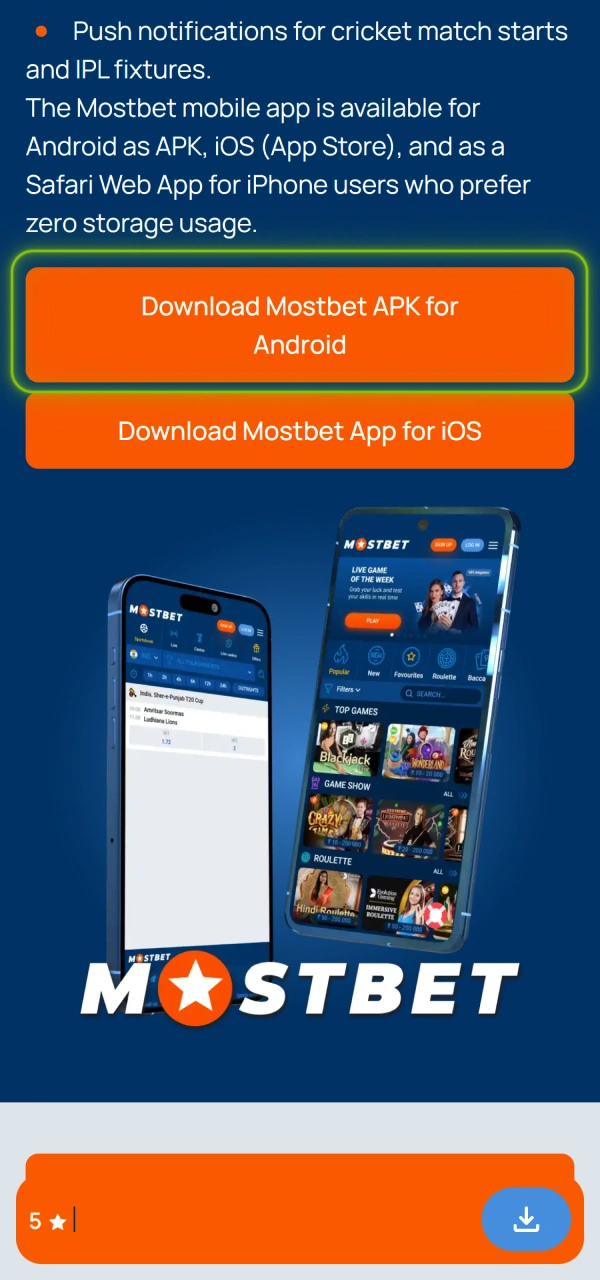
1. Tap Download Mostbet APK for Android
Tap the “Download Mostbet APK for Android” button to start downloading the APK file.
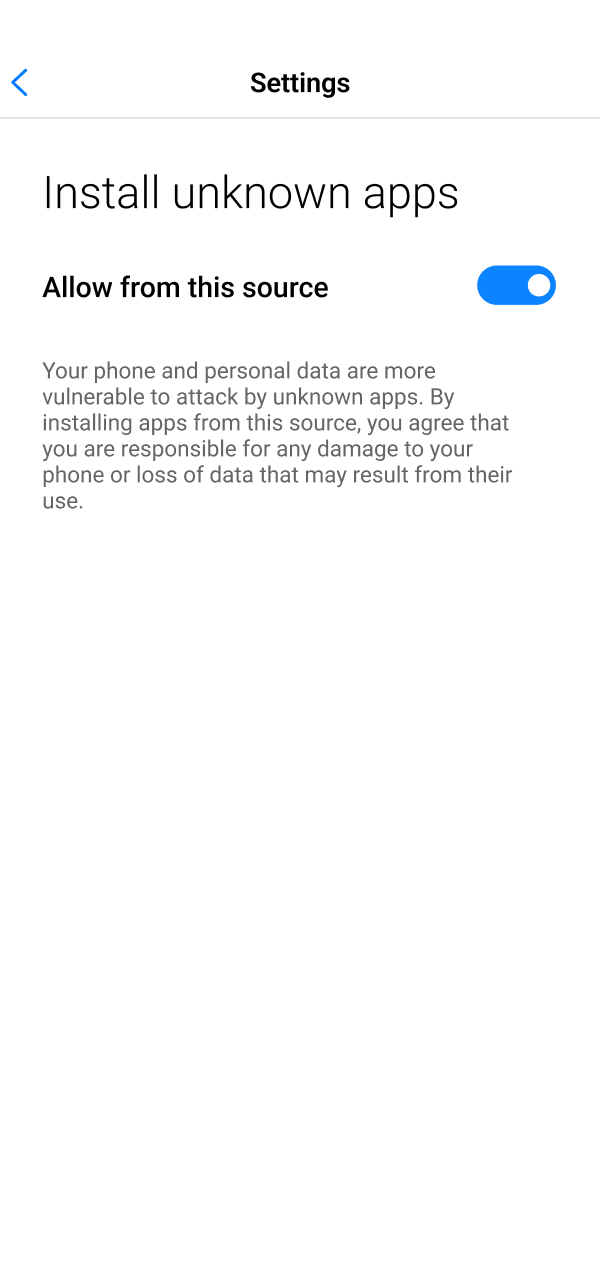
2. Allow APK Installation
Android may block installations from outside the Play Store by default.
- Android 8.0 and above: when prompted, tap Settings → Allow from this source;
- Android 5.0 to 7.0: go to Settings → Security → Unknown Sources and enable the option.
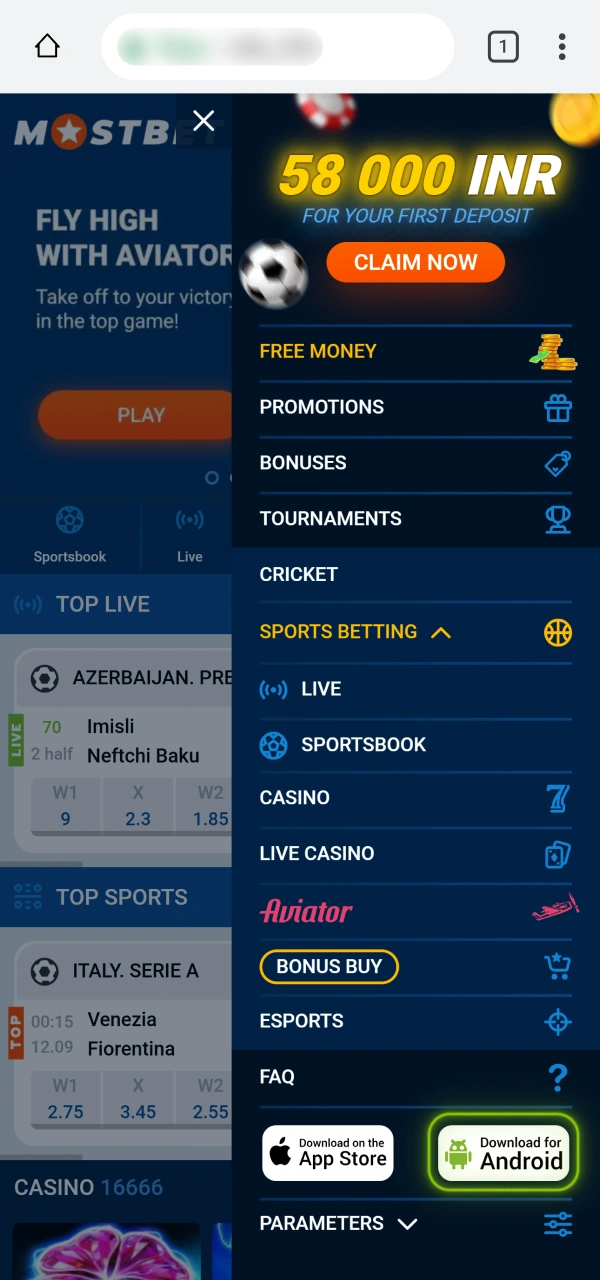
3. Download the APK
Tap “Download for Android” and wait for the Mostbet APK file to download. You can find it in your Downloads folder or notification tray.
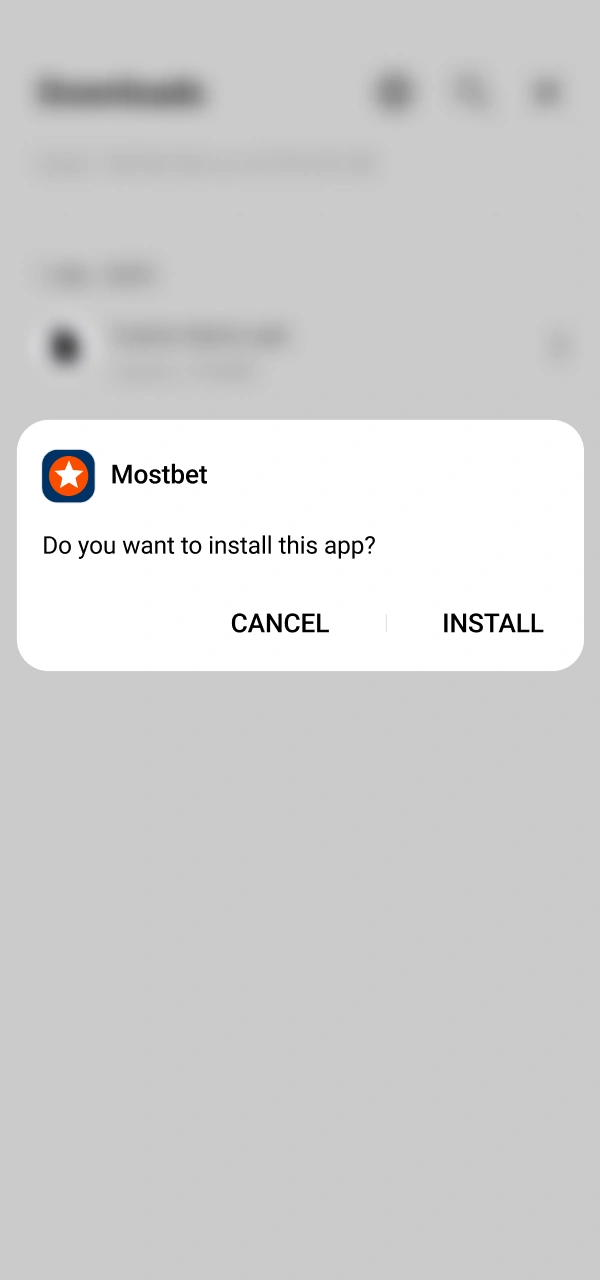
4. Install and Open
- Open the downloaded APK file;
- Tap “Install”;
- Wait for the installation to finish;
- Open the Mostbet app;
- Log in or create a new account.
To switch to Hindi: Settings → Language → हिन्दी.
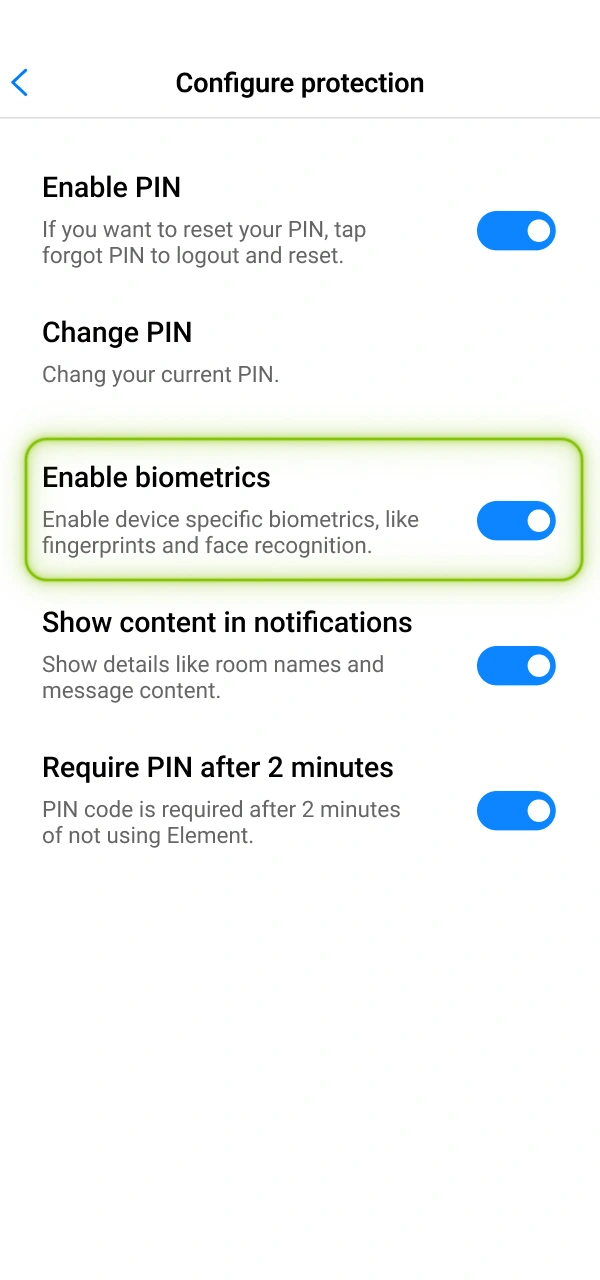
5. Enable Biometric Login
After logging in, open Settings → Security → Fingerprint Login → Enable. If your Android device supports fingerprint authentication, you can use it for faster access to your account.
Download Mostbet App on iPhone – Three Options
Getting the Mostbet iOS app on iPhone has three routes depending on your App Store setup. Choose the one that suits your situation.
Option 1 – App Store Direct Download
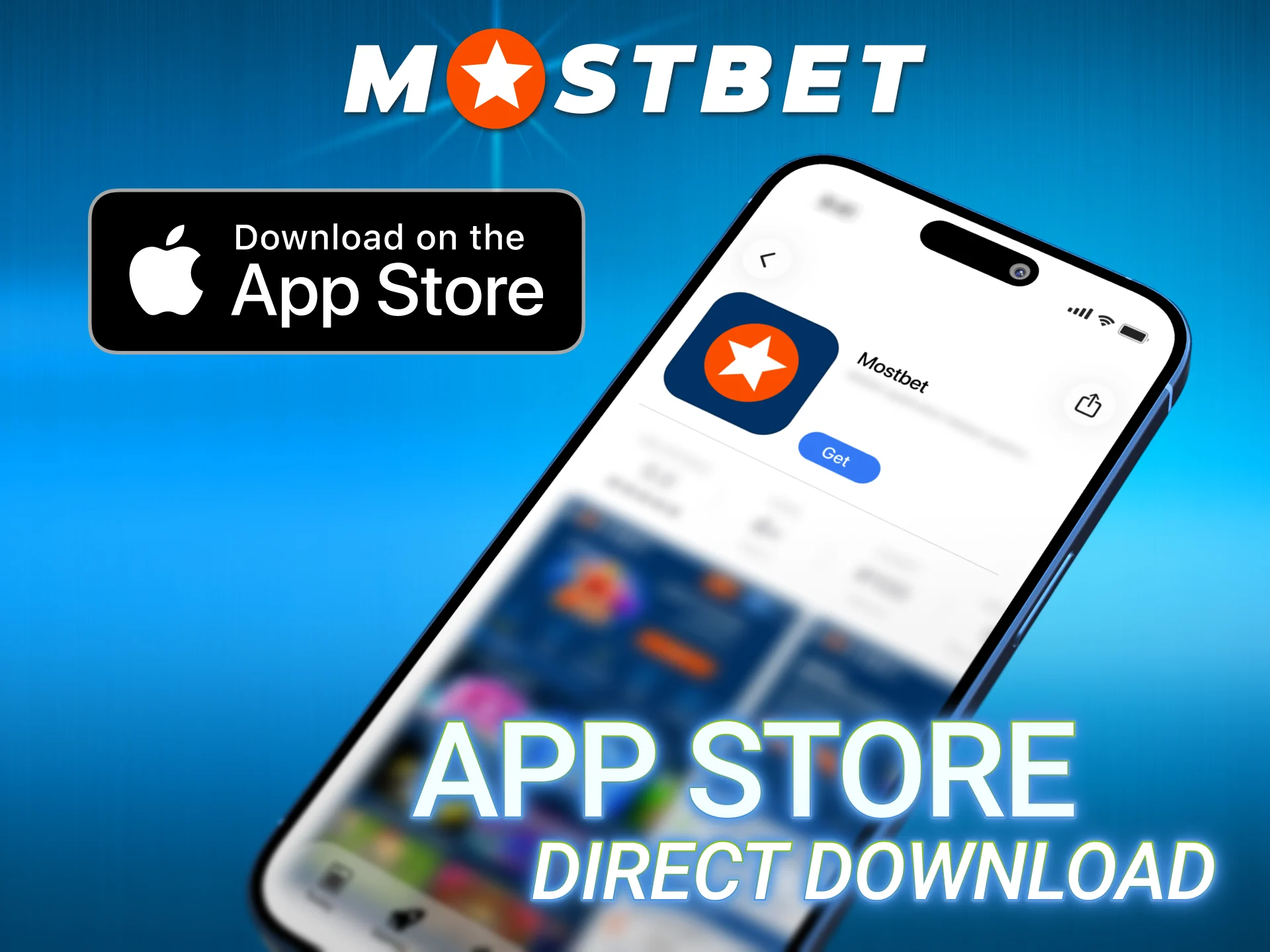
Open the App Store on your iPhone, search “Mostbet” and tap Get. Confirm with Face ID, Touch ID or your Apple ID password. This is the simplest route if the app appears in your regional App Store catalogue. The Mostbet app for iOS is the recommended choice for users who want automatic updates.
Option 2 – Change Your Apple ID Region
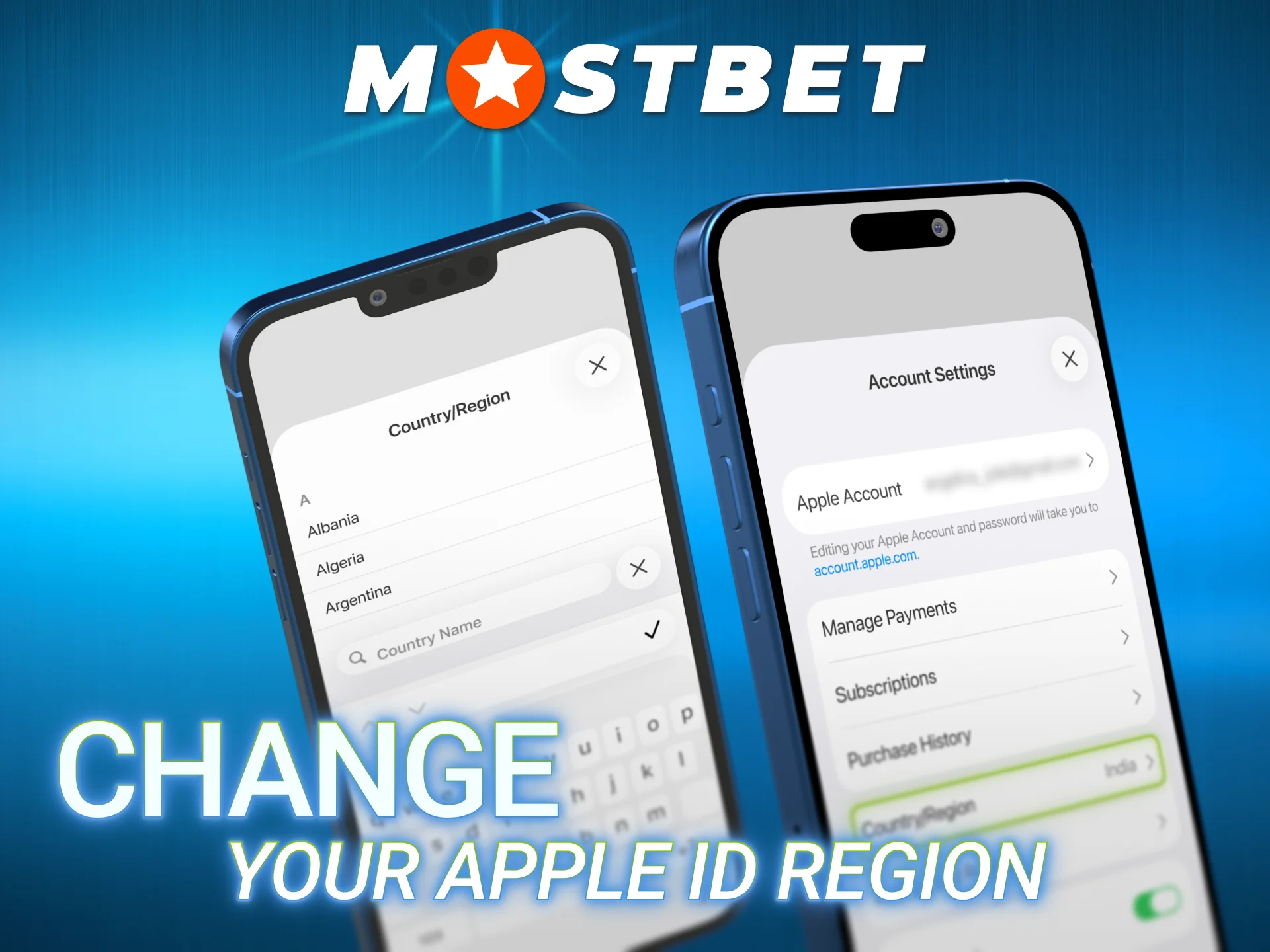
If the app does not appear in the Indian App Store:
- Settings → tap your name → Media & Purchases → View Account → Country/Region → Change;
- Select India or another supported region where Mostbet is listed;
- Search for “Mostbet” in the App Store → tap Get;
- After installation, you can revert your region if needed – the app continues working normally.
Option 3 – Safari Web App (Zero Storage Used)
For users who prefer not to install anything:
- Open the Mostbet in Safari;
- Tap the Share button (square with upward arrow at bottom);
- Select “Add to Home Screen”;
- Name it “Mostbet” → tap Add.
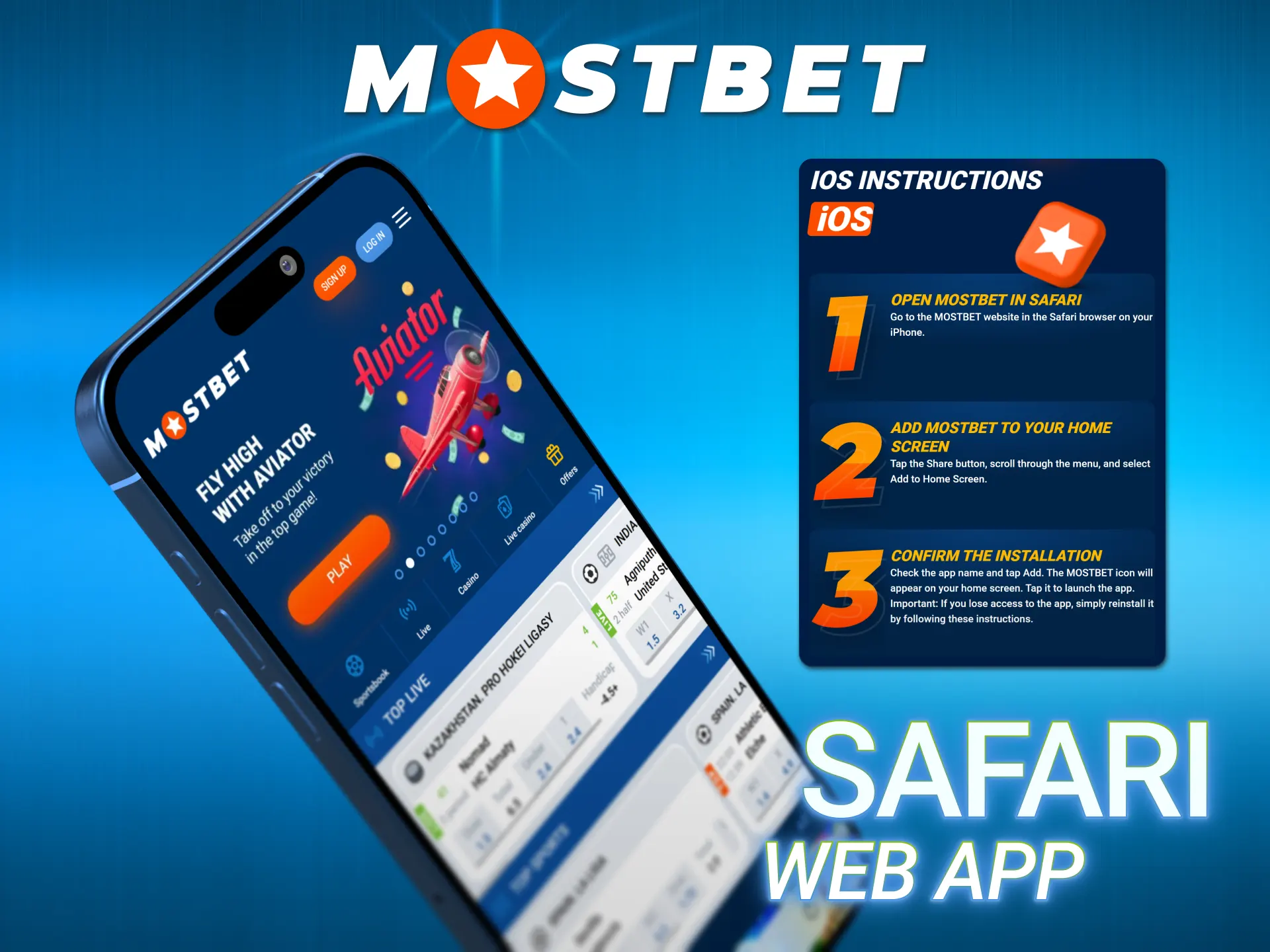
The icon appears on your home screen and opens in full-screen mode like a native application. Face ID login is supported. All sportsbook, casino and payment features are accessible.
Compatible Devices in India
The Mostbet APK for Android is specifically optimised for the device landscape of the Indian market. Because the APK weighs only 8.80 MB and requires Android 5.0 as the minimum, it runs on virtually every smartphone sold in India in the past five years.
The table below groups compatible devices by price segment – the way most Indian buyers think about phones.
| Price Range | Compatible Models |
| Budget (₹5,000–₹15,000) | Samsung Galaxy A05, A14 · Realme C55, C65 · Xiaomi Redmi 12C, 13C · Vivo Y16, Y18 |
| Mid-range (₹15,000–₹30,000) | Samsung Galaxy A34, A35 · Xiaomi Redmi Note 12, 13 · Realme 11, 11 Pro · OnePlus Nord CE3 Lite |
| Premium (₹30,000+) | OnePlus Nord 4, OnePlus 12 · Samsung Galaxy S23, S24 · POCO X6 Pro · Xiaomi 14 |
For live casino and live streaming: 2 GB RAM and a stable 4G connection are recommended. For sports betting and Aviator: 1 GB RAM and 3G work fine.
iPhone compatibility: iPhone 8 and above running iOS 11.0 or later. Face ID available on iPhone X and newer. All iPad models from iPad Air 2 onward are supported.
Registration at Mostbet App
Registration at Mostbet can be completed entirely within the Mostbet application – no need to visit the website. Four registration methods are available:
| Method | Time needed | Best for |
| One-Click | Under 30 seconds | Fastest start |
| Phone number | 1–2 minutes | Most common in India |
| 2–3 minutes | Users who prefer email login | |
| Social login (Google / Telegram) | Under 1 minute | Existing Google account holders |
Step-by-step for Phone Number (most popular in India):
- Open the Mostbet app and tap Register.
- Select “By Phone”.
- Enter your Indian mobile number (+91).
- Enter your preferred password.
- Select INR as your currency.
- Enter a promo code if you have one (activates the welcome bonus).
- Tap Register and enter the OTP sent to your phone.
- Account is immediately active.
Important: select INR during registration – the currency cannot be changed after the account is created.
After registration, go to My Offers within the app to activate either the sports bonus (125% up to ₹45,000) or the casino bonus (125% + 250 Free Spins) before making your first deposit.
Welcome Bonuses
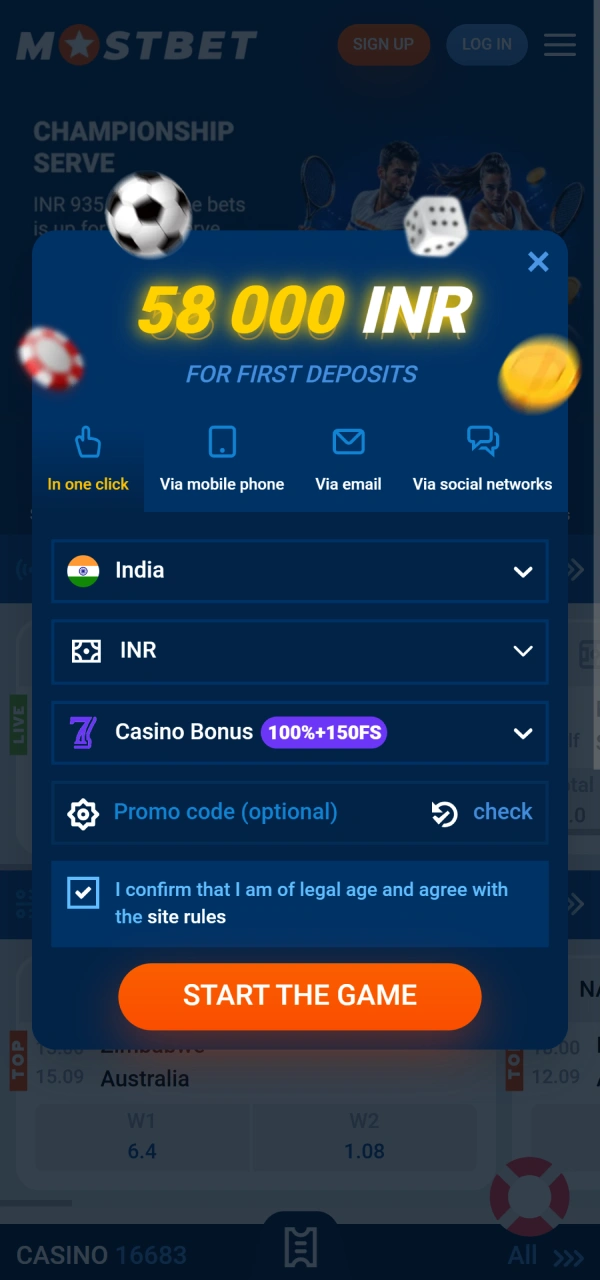
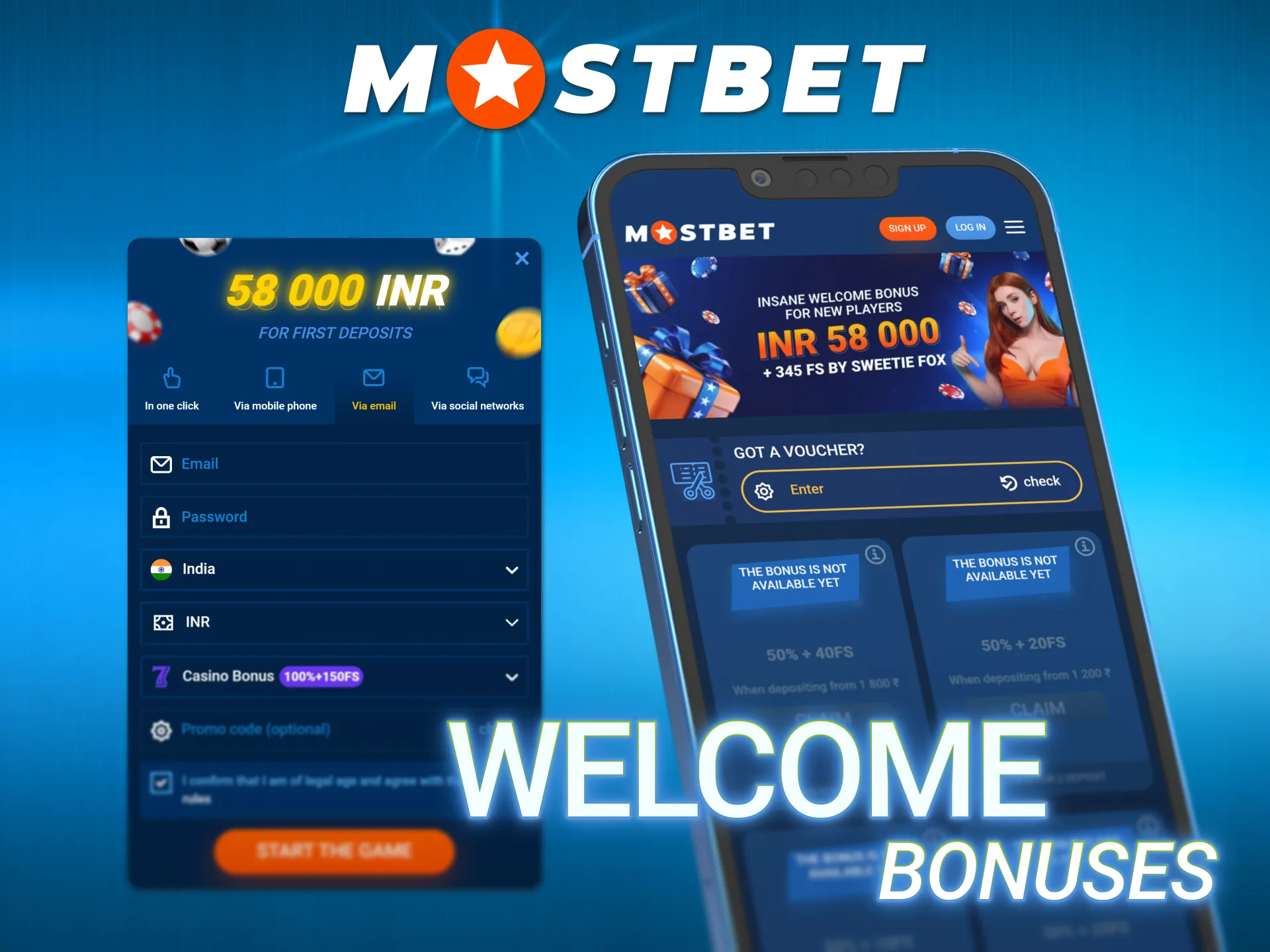
New users can take advantage of the Mostbet India welcome offer of up to ₹58,000 + 345 Free Spins across the first 5 deposits. The first deposit includes a 100% bonus up to ₹10,000 + 150 Free Spins. The remaining bonuses and Free Spins are awarded on subsequent qualifying deposits according to the applicable promotion terms.
What’s Inside the Mostbet App
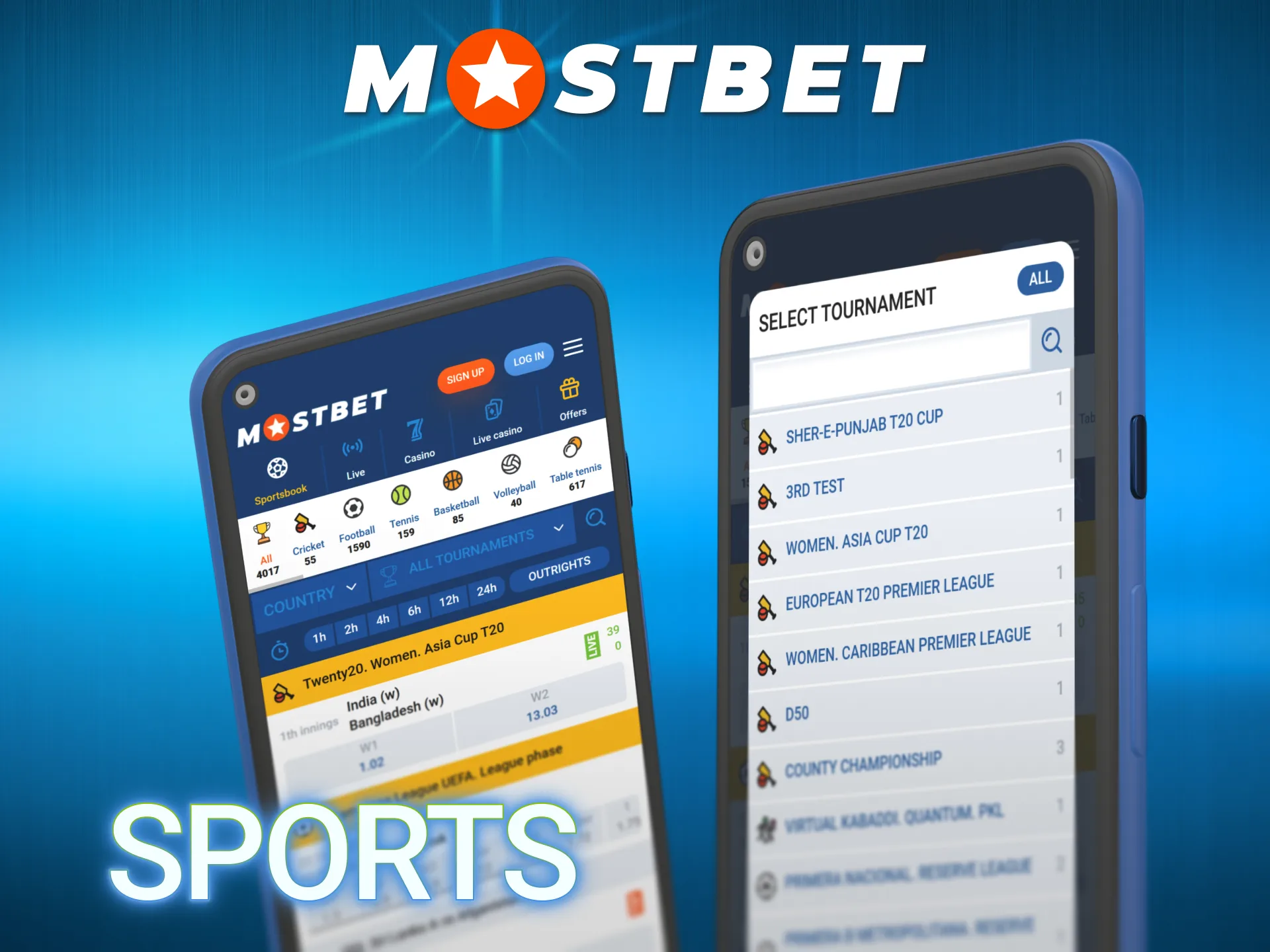
The Mostbet app combines sports betting and casino games in one mobile application, giving users access to both sections from a single interface.
Sports Betting
The Mostbet betting app covers 30+ sports with pre-match and live markets.
- Cricket: IPL and international matches with 60+ markets per fixture;
- Football: ISL, Premier League and Champions League;
- Kabaddi: Pro Kabaddi League and other major competitions;
- Tennis: ATP, WTA and Grand Slam tournaments;
- Esports: CS2, Dota 2, League of Legends and Valorant;
- Basketball: NBA and other major leagues;
- Badminton: International tournaments and selected competitions;
- Virtual Sports: Selected virtual sporting events.
Casino Games
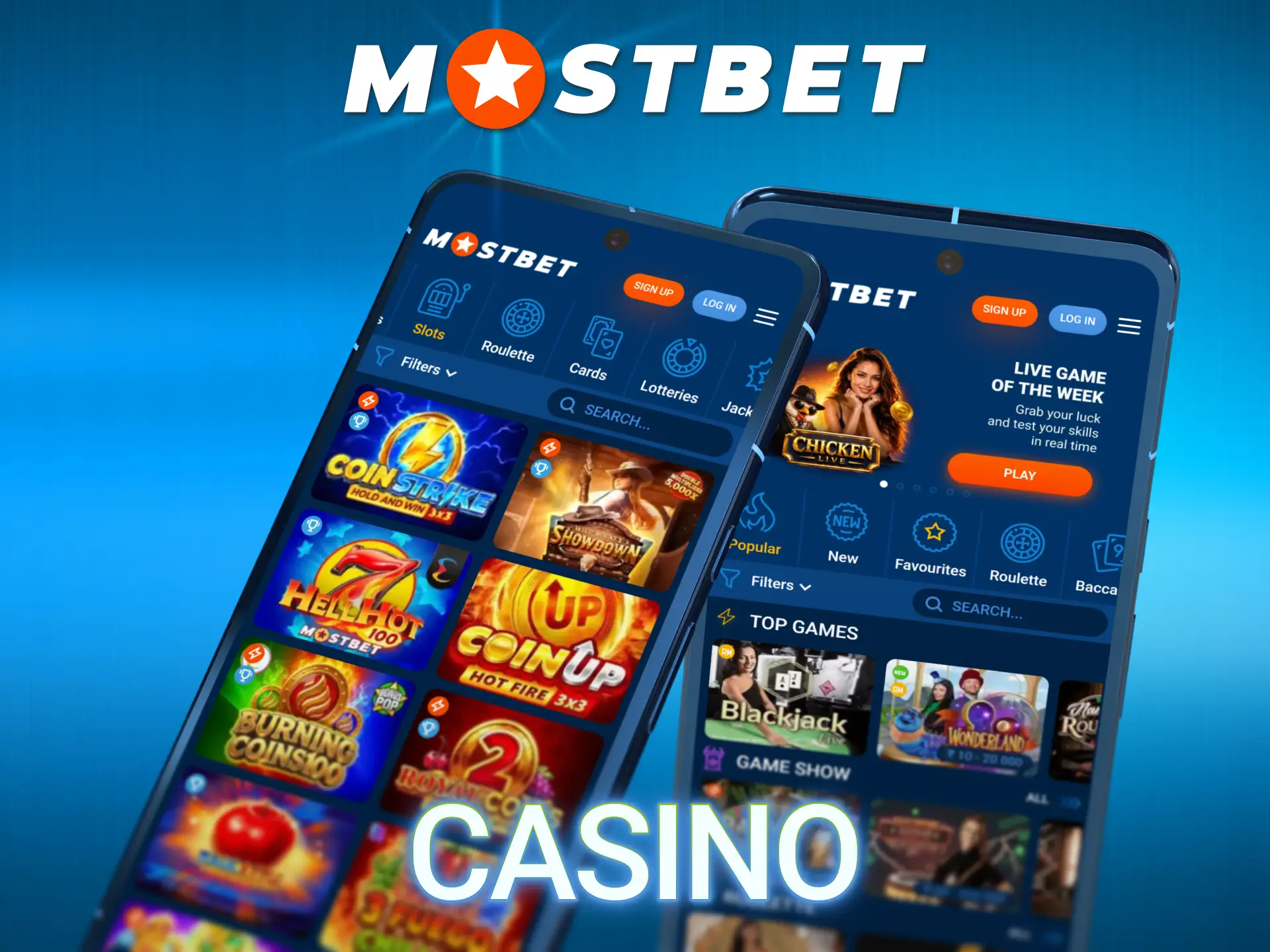
The Mostbet casino app provides access to thousands of games across several categories.
- Slots: Gates of Olympus, Sweet Bonanza, Big Bass Bonanza and more;
- Live Casino: Roulette, Blackjack, Baccarat and game-show titles with live dealers;
- Indian Games: Teen Patti and Andar Bahar;
- Crash Games: Aviator and other multiplier-based games;
- Fast Games: Plinko, Mines, JetX and Dice;
- Jackpot Games: Titles with fixed or progressive prize pools.
Mobile Features
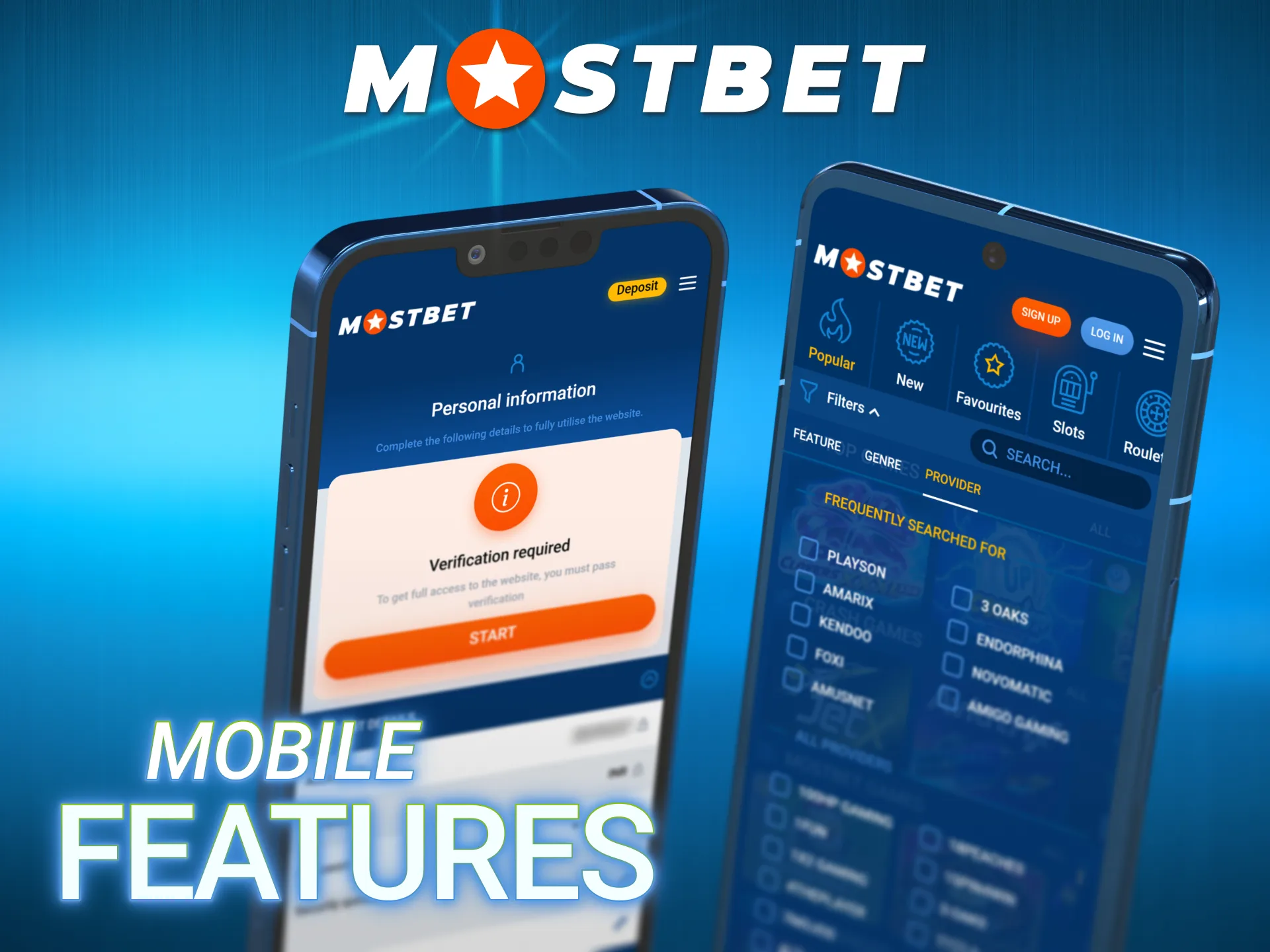
The app also provides convenient tools for managing your betting and gaming activity, including live betting, Cash Out on selected bets, game filters, search and account management. Availability of individual markets, games and features may vary.
Mostbet App vs Mobile Website Comparison
Both options give you full access to all features. The difference is in the experience, not the content. The table makes the choice straightforward.
| Feature | Mostbet App | Mobile Website |
| Storage needed | 8.80 MB | 0 MB |
| Loading speed | Faster (native app) | Browser-dependent |
| Hindi interface | ✅ Full | ✅ Full |
| Push notifications for IPL | ✅ | ❌ |
| Biometric login | ✅ | ❌ |
| Offline cache (partial) | ✅ | ❌ |
| Bet Insurance | ✅ | ✅ |
| Aviator demo mode | ✅ | ✅ |
| UPI / Paytm / PhonePe | ✅ | ✅ |
| Live streaming | ✅ Optimised | ✅ |
| Best for | Daily users, IPL season | Occasional / first-time users |
Recommendation: if you bet on IPL regularly and want push notifications for Cash Out opportunities during live matches, the download Mostbet app route is the better choice. If you are just exploring the platform before committing, the mobile website delivers the full experience with no installation required.
Data Consumption Guide for Indian Users
Many Indian users are on limited 4G or 3G data plans. The table below shows exactly how much data the Mostbet mobile app uses per activity per hour – so you can plan when to use Wi-Fi versus mobile data.
| Activity | Data per hour |
| Sports betting – no streaming | 3–8 MB |
| Live betting with match tracker | 8–15 MB |
| Aviator / Fast Games | 10–20 MB |
| Casino slots | 15–25 MB |
| Live cricket streaming (SD) | 100–200 MB |
| Live casino dealer tables (HD) | 200–350 MB |
| UPI deposit or withdrawal | Under 1 MB |
Practical guidance:
- For IPL live betting without streaming: standard 3G is sufficient;
- For live cricket streaming in HD: Wi-Fi or strong 4G (minimum 5 Mbps) recommende;
- For Aviator and Fast Games: 4G standard works perfectly.
Payments in the Mostbet App – UPI, Paytm and Crypto
All payment management in the Mostbet India app happens within the app cashier – no need to visit the desktop site at any point.
Closed Loop rule: withdrawals must use the same method as the deposit. If you deposit via UPI, the withdrawal returns to the same bank account linked to that UPI ID. This is a requirement of the Curacao licence.
The table below covers payment methods available to Indian users directly from the app.
| Method | Min Deposit | Min Withdrawal | Deposit Speed | Withdrawal Speed |
| UPI (GPay / PhonePe / BHIM) | ₹300 | ₹500 | Instant | 1–6 hours |
| Paytm | ₹300 | ₹500 | Instant | 1–6 hours |
| PhonePe | ₹300 | ₹500 | Instant | 1–6 hours |
| Net Banking | ₹500 | ₹1,000 | Instant | 1–3 days |
| Visa / Mastercard | ₹300 | ₹1,000 | Instant | 1–5 days |
| Bitcoin (BTC) | ₹300 | ₹500 | Up to 30 min | Up to 24 hours |
| USDT (Tether) | ₹300 | ₹500 | Up to 30 min | Up to 24 hours |
| Ethereum (ETH) | ₹300 | ₹500 | Up to 30 min | Up to 24 hours |
Mostbet App – Is It Real or Fake?
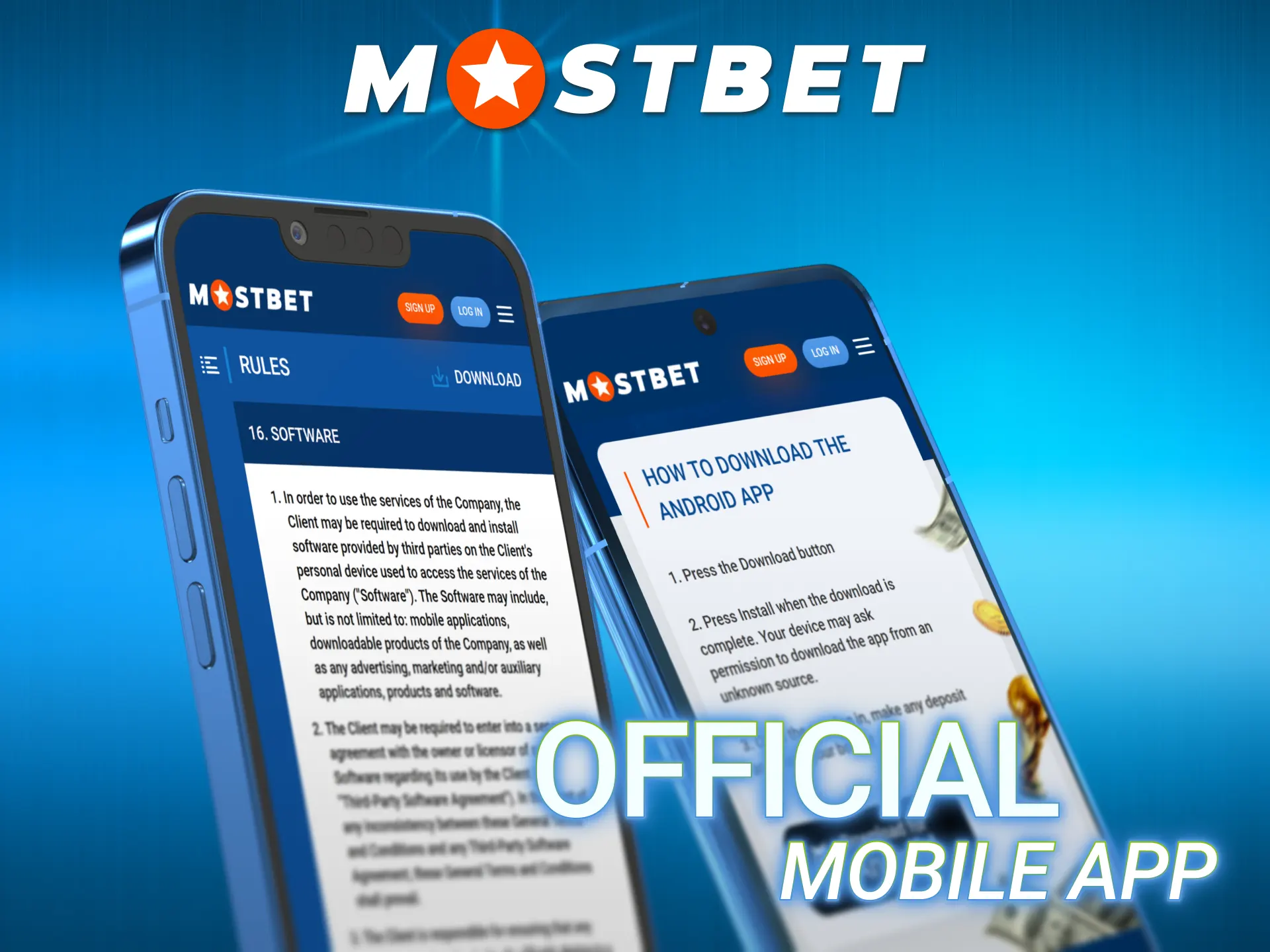
This is a question many Indian users legitimately ask – is the Mostbet app real or fake? – because the number of unofficial clones and fake APKs circulating on Indian websites and Telegram channels is significant. Here is how to verify you have the genuine official Mostbet app:
Signs the app is official:
- Donloaded from the official Mostbet app link;
- The URL during download begins with https:// – padlock icon visible in browser;
- App opens to a login screen with the Mostbet logo and licence number visible in the footer;
- Curacao Licence #8048/JAZ2016-065 is referenced in the About / Licence section of the app.
Signs of a fake or modified APK:
- Downloaded from a Telegram channel, third-party APK site or WhatsApp forward;
- File size is significantly different from 8.80 MB;
- App requests unusual permissions (camera, contacts, location) on first open;
- No licence information visible anywhere in the app.
How to Update the Mostbet App
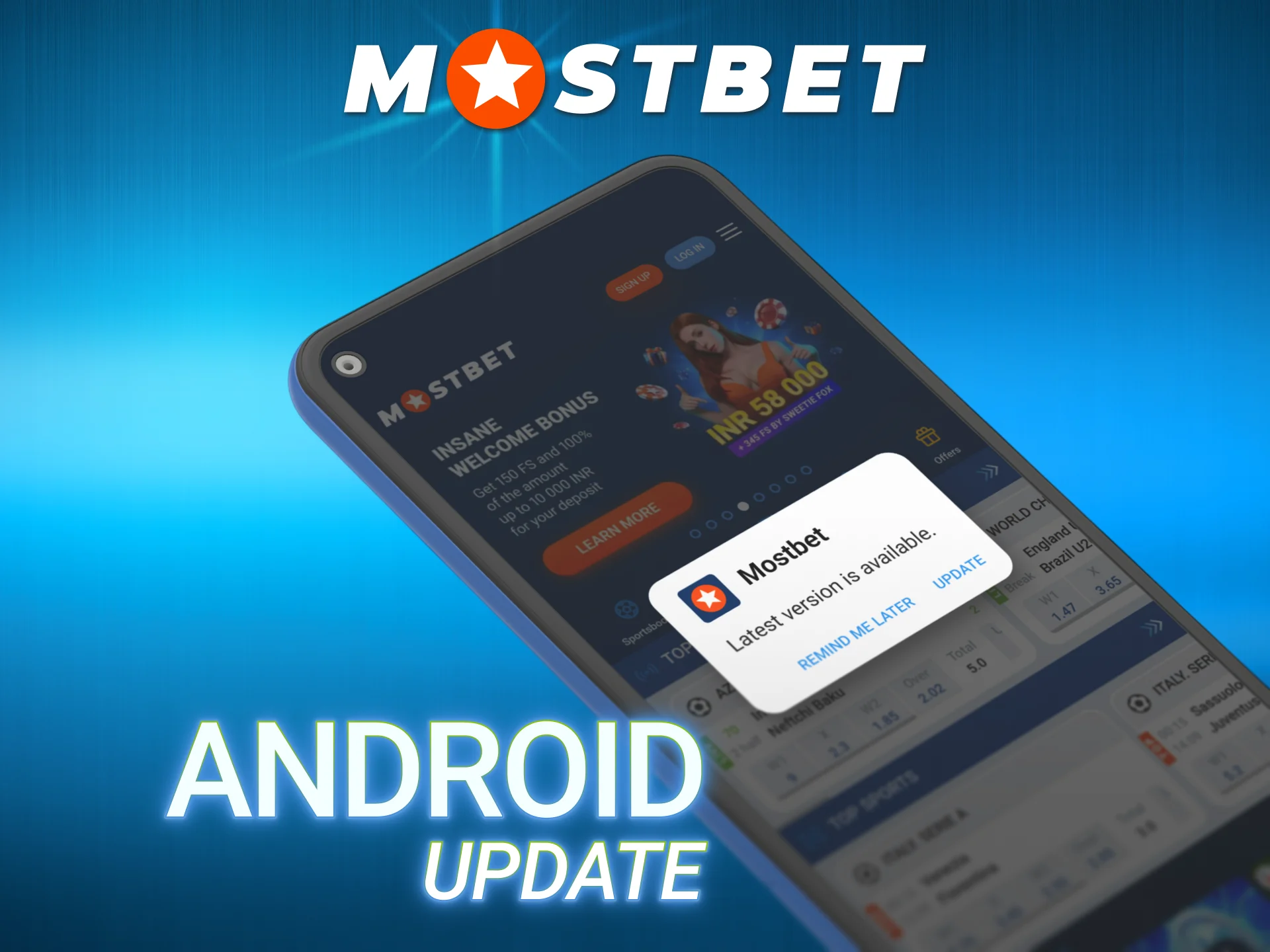
Keeping the Mostbet APK latest version on your device ensures you have the newest features, security patches and the most current odds feeds. The update process differs between Android and iOS.
Update Mostbet APK on Android
The Android app does not update through Google Play. When a new version is available:
- A banner notification appears at the top of the app: “New version available – Update Now”.
- Tap Update Now, you are redirected to the Mostbet app link for the new APK.
- Download the new file and install it over the existing version.
- Your account data, bet history and settings are fully preserved.
To check proactively: App Settings → About → Current Version → compare with the version listed on the official website.
Update Mostbet iOS App
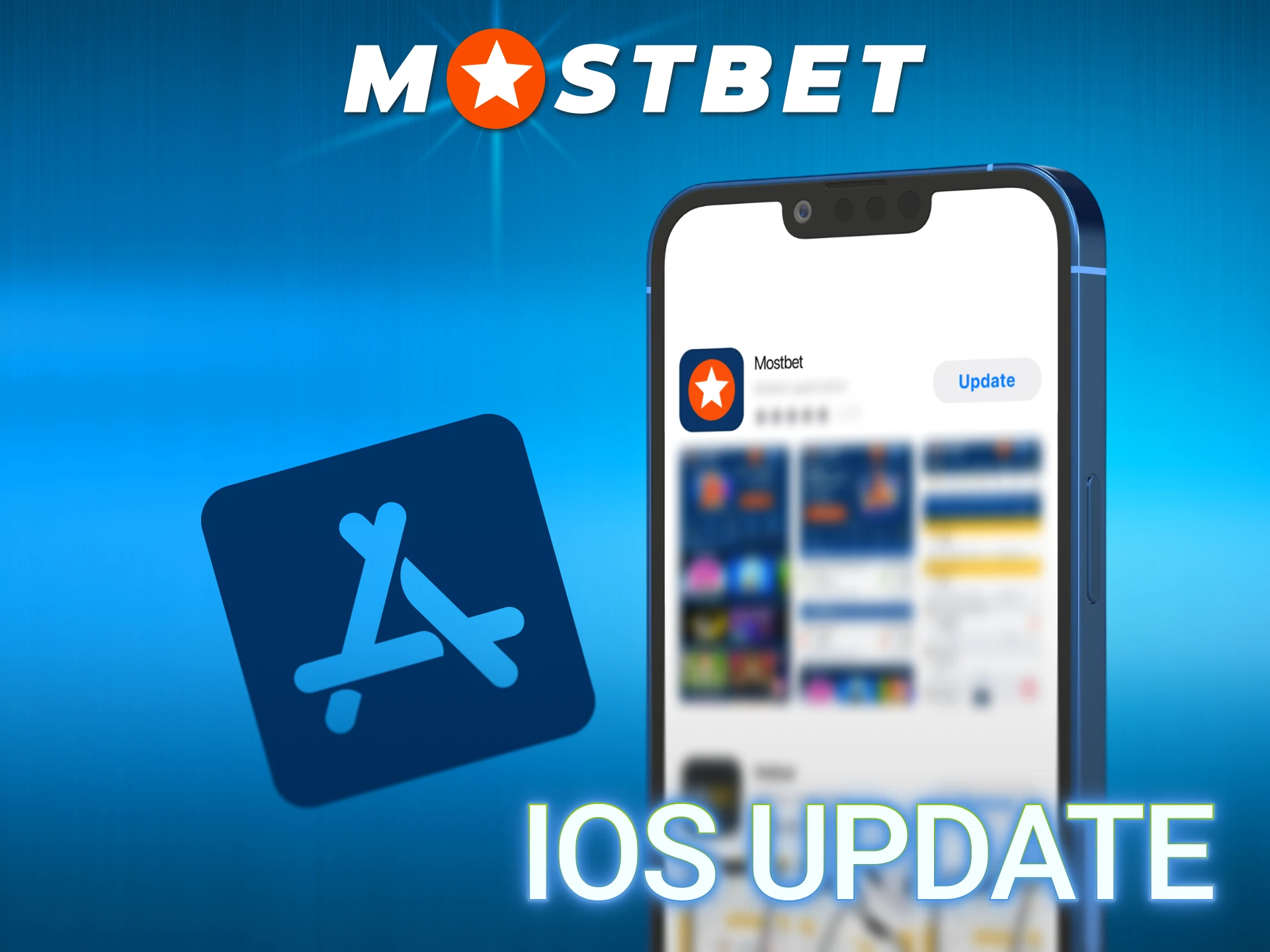
For Mostbet iOS, updates come through the App Store:
- Open App Store, tap your profile icon and scroll to Available Updates.
- Find Mostbet and tap Update.
- Alternatively: enable Auto Updates in iOS Settings → App Store → App Updates → toggle on.
Mostbet for PC – Windows Desktop Option
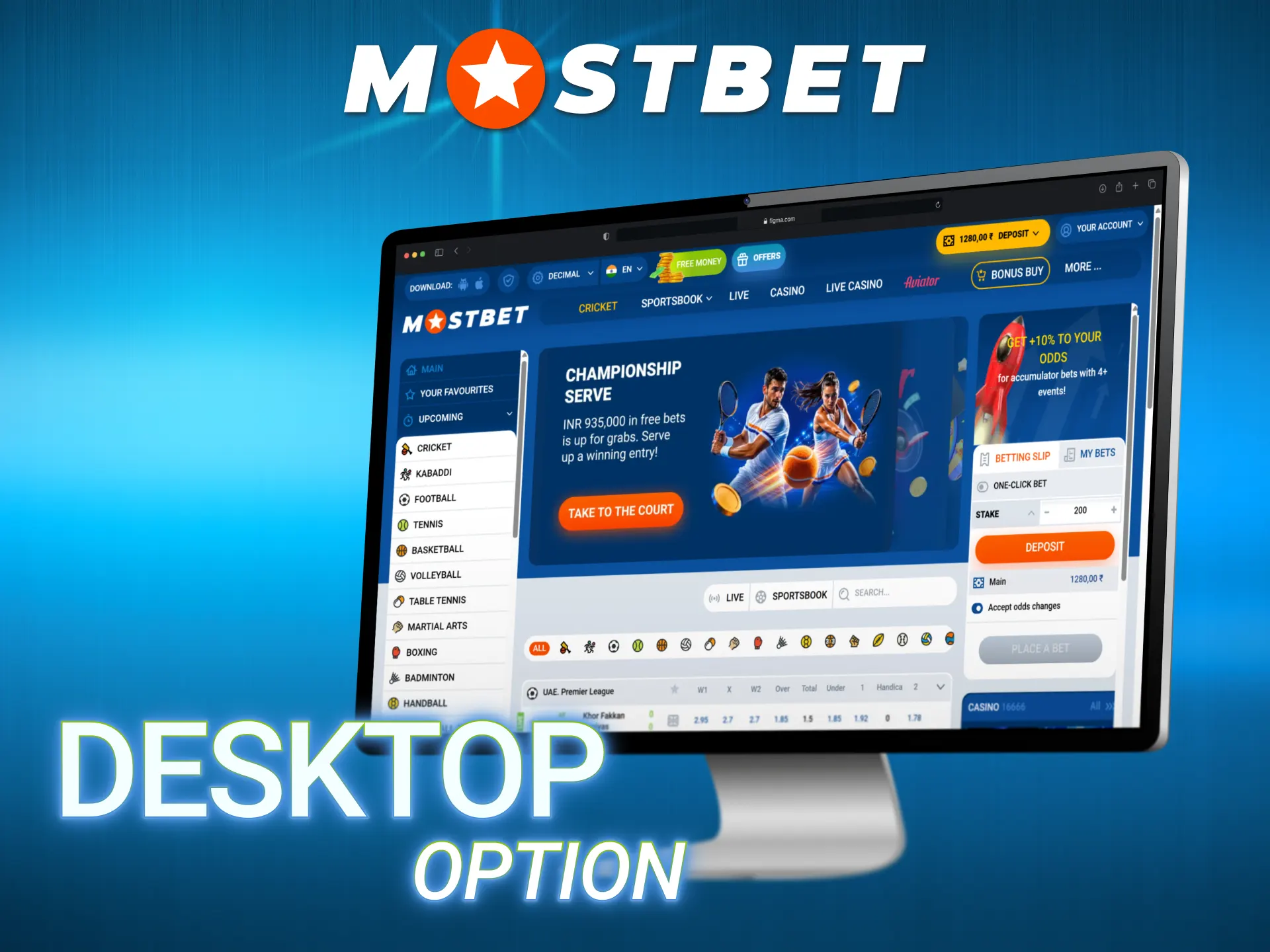
The Mostbet for PC experience is available through two routes – there is no dedicated Windows installer, but both options deliver full platform access on a desktop or laptop.
- Option 1 – Browser (Recommended): open the Mostbet website on Chrome, Firefox or Edge. The desktop site is fully optimised with the complete sportsbook, casino and payment system. This is the primary PC option for most Indian users and requires no download;
- Option 2 – Android Emulator: install BlueStacks or LDPlayer (free Android emulators for Windows) → download the Mostbet APK → install it within the emulator. This gives you the native Android app experience on a larger screen with keyboard and mouse control. The emulator approach is popular among Aviator players who prefer the bigger screen for timing their cash out.
Both options use the same account credentials and balance as the mobile app.
Troubleshooting of Common Issues for Indian Users
These are the most frequently reported problems from Indian users when downloading or using the Mostbet application, along with direct solutions.
| Problem | Solution |
| APK won’t install | Enable Unknown Sources in Settings → Security → allow for your browser |
| UPI payment declined | Switch to a different UPI app (e.g. from Paytm to Google Pay); some banks block gambling transactions |
| App freezes or crashes | Settings → Apps → Mostbet → Clear Cache → Restart app |
| Aviator not loading | Check internet speed; Aviator requires stable 4G; switch to Wi-Fi |
| Can’t find app on App Store | Change Apple ID region to India or a supported country |
| Forgot password | Login screen → Forgot Password → OTP to your registered mobile number |
| Biometric login stopped working | Settings → Security → disable and re-enable Fingerprint Login |
| Winnings not credited | Check Bet History in app → if confirmed win not credited, contact Live Chat with bet ID |
For issues not resolved by the above: open Live Chat inside the Mostbet application (available 24/7 in Hindi and English) or contact via Telegram. Response time via Live Chat is typically 2 to 5 minutes during peak IPL hours.
Security of the Mostbet App
The Mostbet application uses the following security layers to protect Indian users’ data and funds:
- SSL 256-bit encryption on all data transmissions including deposits and withdrawals;
- Biometric authentication: fingerprint (Android), Face ID (iOS);
- Two-factor authentication (2FA): optional OTP verification for every login;
- Curacao Licence #8048/JAZ2016-065: independent regulatory oversight with published dispute resolution procedures;
- Certified RNG: all casino game outcomes independently audited by third-party laboratories;
- Session timeout: automatic logout after defined period of inactivity.
Critical security reminder: the Mostbet APK should only be downloaded from the official website. Modified APK files from unofficial sources can harvest your login credentials and payment information. The legitimate file size is 8.80 MB – any APK significantly larger or smaller than this is not the official version.
FAQ
Is the Mostbet app available on Google Play?
No. Google Play’s policies restrict real-money gambling apps in India. Download the Mostbet APK directly from the official website – it is equally safe and takes under 30 seconds on 4G.
How big is the Mostbet APK file?
8.80 MB – the smallest APK among major betting platforms available to Indian users. Most competitors are 40-52 MB.
What Android version is required for installing the Mostbet app?
Android 5.0 (Lollipop) minimum. The app works on virtually all Android smartphones sold in India since 2015.
Can I play Aviator on the Mostbet app?
Yes. The Mostbet Aviator app experience is fully available in the mobile application, including demo mode, Double Bet and Auto Cash Out. Minimum bet is ₹10.
Does the Mostbet India app support Hindi?
Yes. Hindi is a fully supported interface language. All menus, buttons, bet slips and push notifications can be displayed in Hindi.
Can I deposit via UPI directly in the app?
Yes. UPI through Google Pay, PhonePe, BHIM and Paytm are all available in the Cashier section. Minimum deposit is ₹300. Funds are credited instantly.
How do I enable push notifications for IPL matches?
Open the app → Settings → Notifications → Cricket → IPL → Enable. You will receive alerts 30 minutes before each match and when Cash Out becomes available on your active bets.
Is the Mostbet app real or fake?
The official app is downloaded exclusively from the official Mostbet website. Verify by checking the Curacao Licence number in the app footer (#8048/JAZ2016-065). Any APK from Telegram channels, third-party sites or WhatsApp forwards should be treated as potentially unsafe.
Can I register directly in the Mostbet app?
Yes. All four registration methods – One-Click, Phone, Email and Social Login – are available within the Mostbet application. The full process takes under 2 minutes.
What is the minimum deposit in the Mostbet app?
₹300 across all payment methods including UPI, Paytm, cards and cryptocurrency.
How do I update the Mostbet APK on Android?
When a new version is available, a banner appears inside the app. Tap it to download the new APK from the official site and install it over the existing version. Account data is preserved.
Can I use the same account on the app and desktop?
Yes. Your account credentials work identically across the Android app, iOS app, desktop site and mobile browser. One account covers all access methods.
Is there a Mostbet app for PC?
There is no dedicated Windows installer. Use the official website in a browser, or install the Mostbet APK inside an Android emulator (BlueStacks or LDPlayer) for the native app experience on PC.
What is the minimum bet in the Mostbet app?
₹10 for most markets including Aviator, Teen Patti, Andar Bahar and sports singles.
Updated: