
Mostbet Registration in India – Sign Up, Verify and Claim ₹58,000 Bonus
Mostbet registration in India takes under two minutes using the phone number method and under 30 seconds with One-Click. The platform is active for Indian users in 2026 and accepts UPI, Paytm and PhonePe deposits immediately after creating an account.
Before you start, four things matter:
- Currency is permanent – select INR during registration; it cannot be changed after account creation;
- Promo code goes in the registration form only – it cannot be added after the account is created;
- One account per person – duplicate accounts result in both being blocked and balance forfeited;
- Bonus choice is made at sign-up – sports or casino; switching afterwards is not possible.
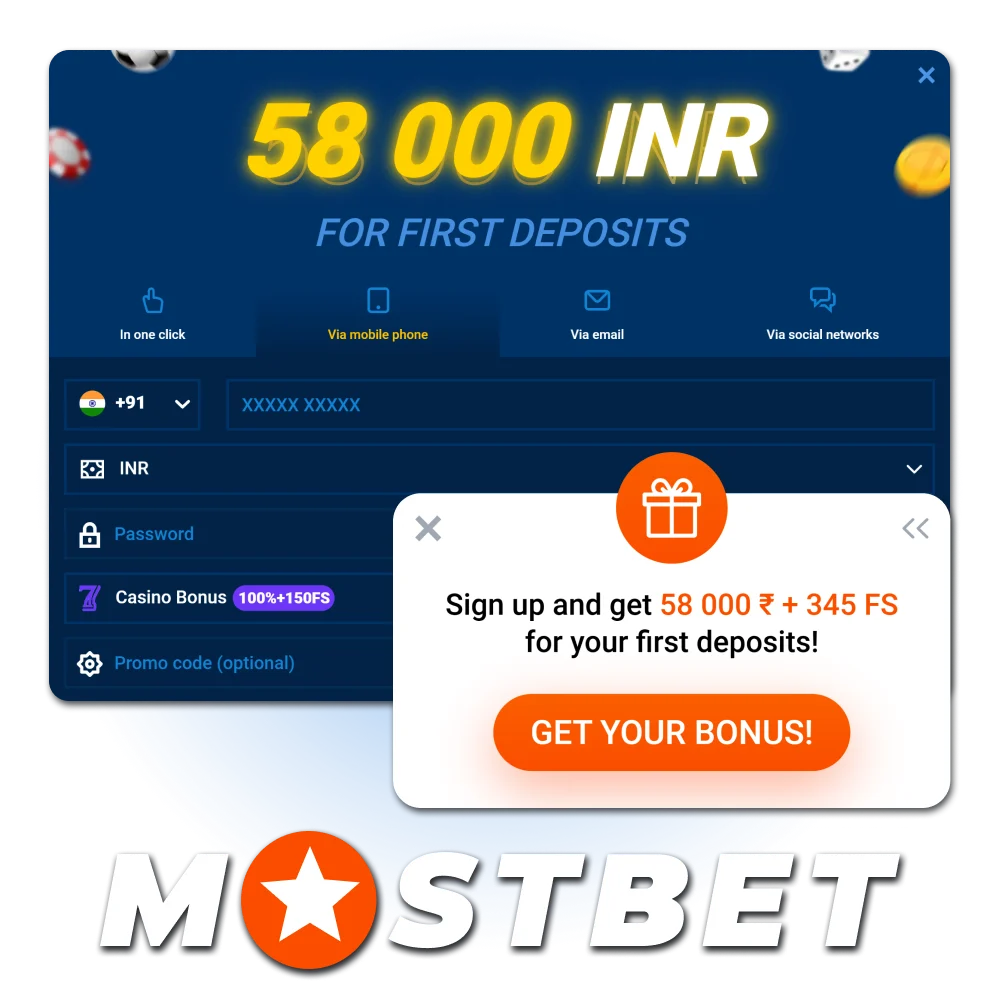
Before You Register at Mostbet – 5-Point Checklist
Most registration problems Indian users face are caused by skipping preparation. Spend 60 seconds on this checklist before opening the form.
- Have your phone number ready with the +91 country code – this is your primary login identifier.
- Decide your bonus type – sports or casino – you choose once.
- Choose INR as your currency – all deposits, withdrawals and bonuses will be in Indian Rupees.
- If you have a promo code – keep it ready; the field appears inside the registration form.
- Use real personal data – name, date of birth and address must match your Aadhaar or PAN card, which are required for KYC before your first withdrawal.
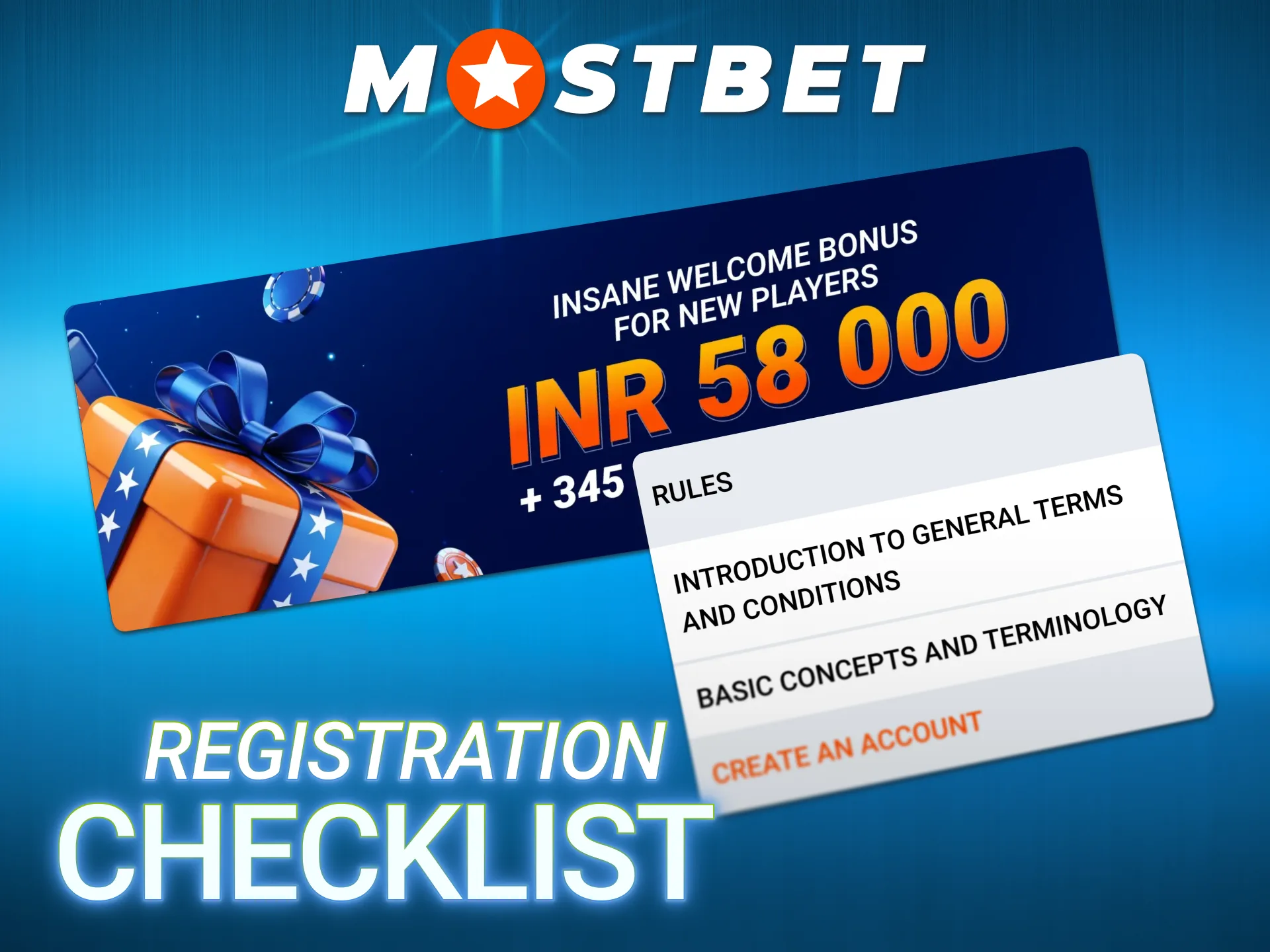
Mostbet Registration Methods – All 4 Options Compared
Mostbet online registration offers four distinct routes to create an account. Each takes a different amount of time and requires different information. The table below helps you choose the right method before opening the form.
| Method | Time | Data Required | Best For |
| One-Click | Under 30 sec | Country + currency only | Fastest start – update details later |
| Phone Number | 1–2 min | Phone + password + OTP | Most popular in India |
| 2–3 min | Email + password | Users preferring email login | |
| Social Login | Under 1 min | Google / Telegram / Steam | Existing Google account holders |
All four methods lead to the same account with identical features. The difference is only in the speed and data collected at the point of registration.
Phone Number Registration Step by Step
Phone number registration is the most popular method for Mostbet sign-up in India because it uses the same contact detail most Indian users check constantly – their mobile number. It also makes account recovery straightforward through OTP reset.
1. Open the Registration Form
Tap the “Registration” button, when the form opens, select the “By Phone” tab.
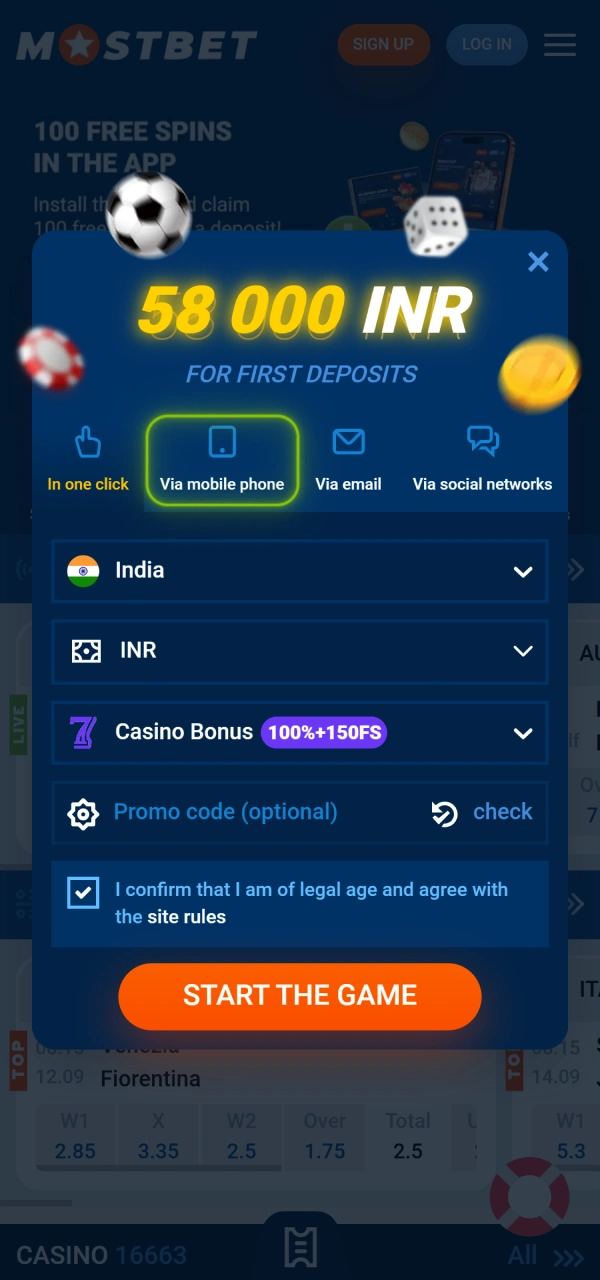
2. Enter Your Details
Fill in the following fields:
- Phone number: enter your Indian mobile number – the +91 country code should be pre-selected;
- Password: minimum 8 characters, combining letters and numbers;
- Country: India;
- Currency: INR – this is the most important field; it cannot be changed after registration.
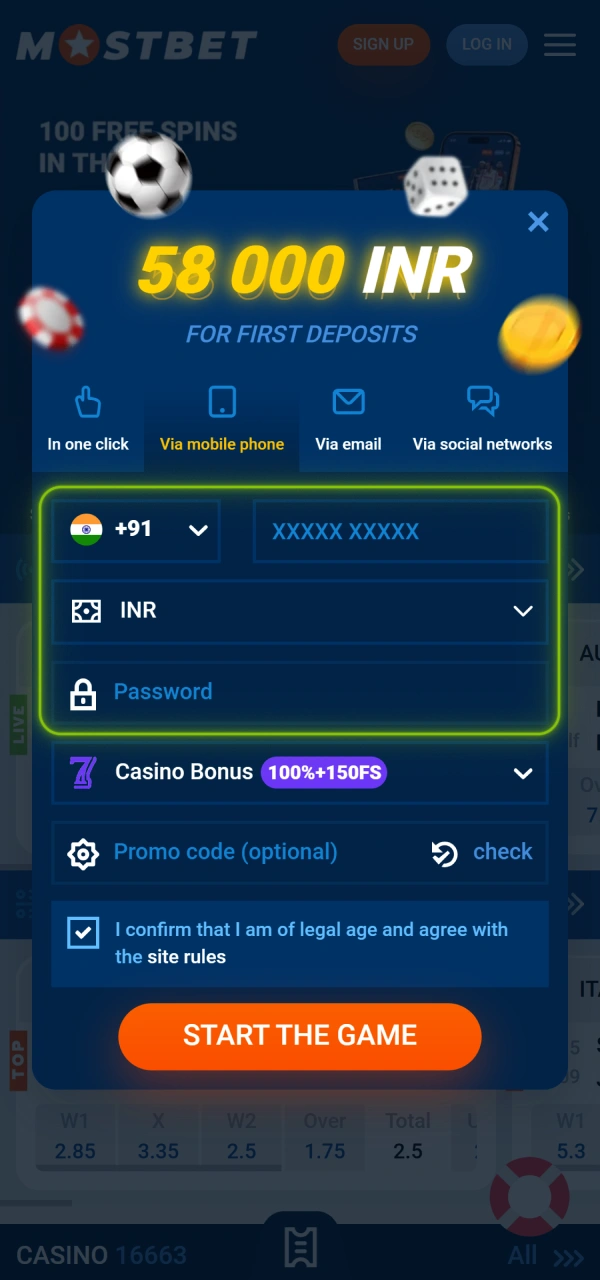
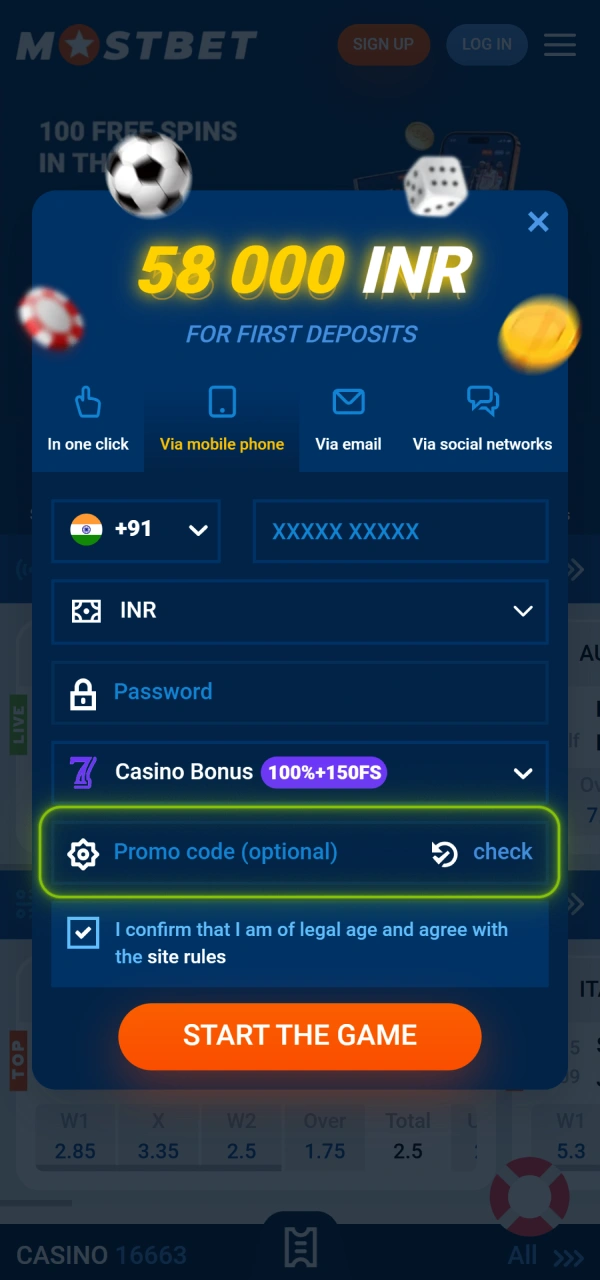
3. Enter Your Promo Code
Below the main fields, tap “I have a promo code” and enter your code. The Mostbet promo code for registration increases your welcome bonus – without it the standard bonus still applies, but the code can enhance the offer. This is the only opportunity to enter a promo code – it cannot be added to an existing account.
4. Choose Your Welcome Bonus
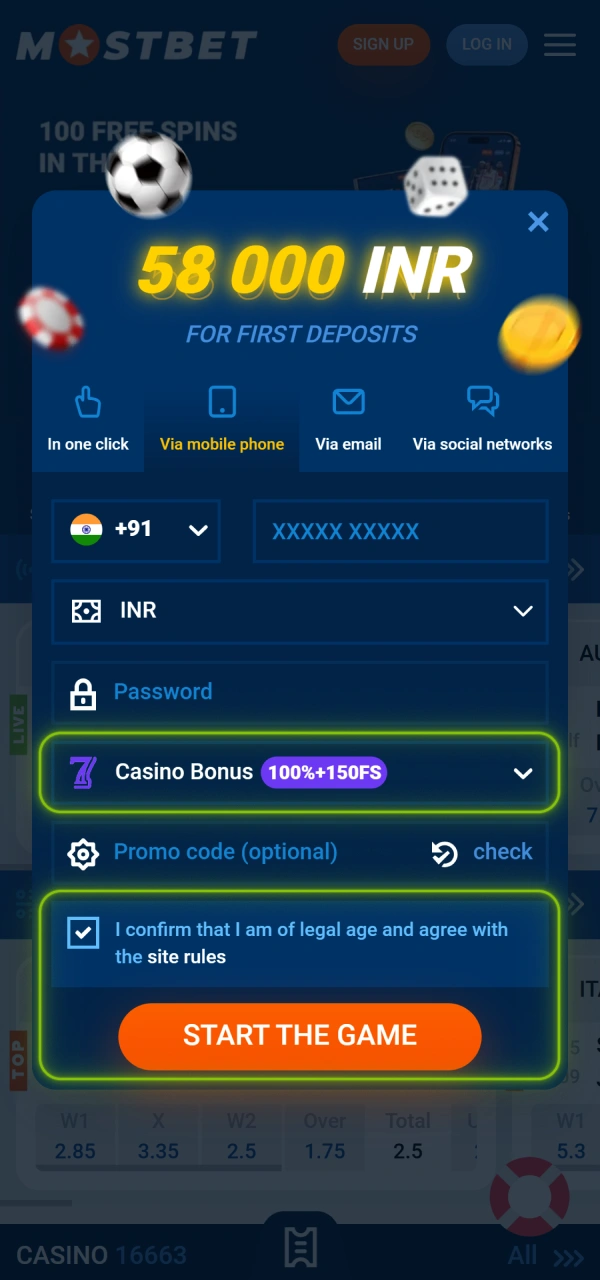
Two options appear:
- Sports – use for IPL, cricket and kabaddi betting;
- Casino – use for Aviator, Teen Patti, slots.
Select one. Tick the 18+ confirmation box and accept the Terms and Conditions, then tap “Register”.
5. Verify Your Phone Number
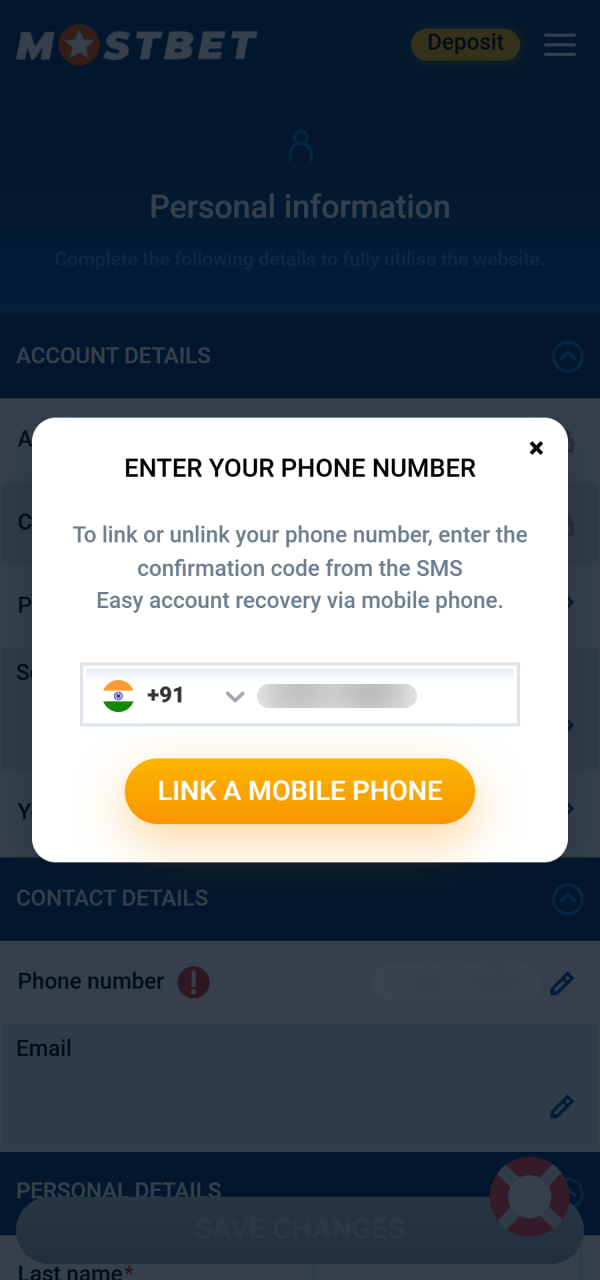
An OTP (4 to 6 digits) is sent to your registered number via SMS. Enter it in the verification field. Your account is activated immediately after the correct OTP is entered.
6. First Login and Setup
After your Mostbet account login, complete these setup steps immediately:
- Profile → Settings: add your email address as a backup recovery method;
- Settings → Language: switch to हिन्दी if preferred;
- Settings → Security: enable 2FA for account protection;
- My Offers: confirm your welcome bonus is showing in pending status.
One-Click Registration – Fastest Method
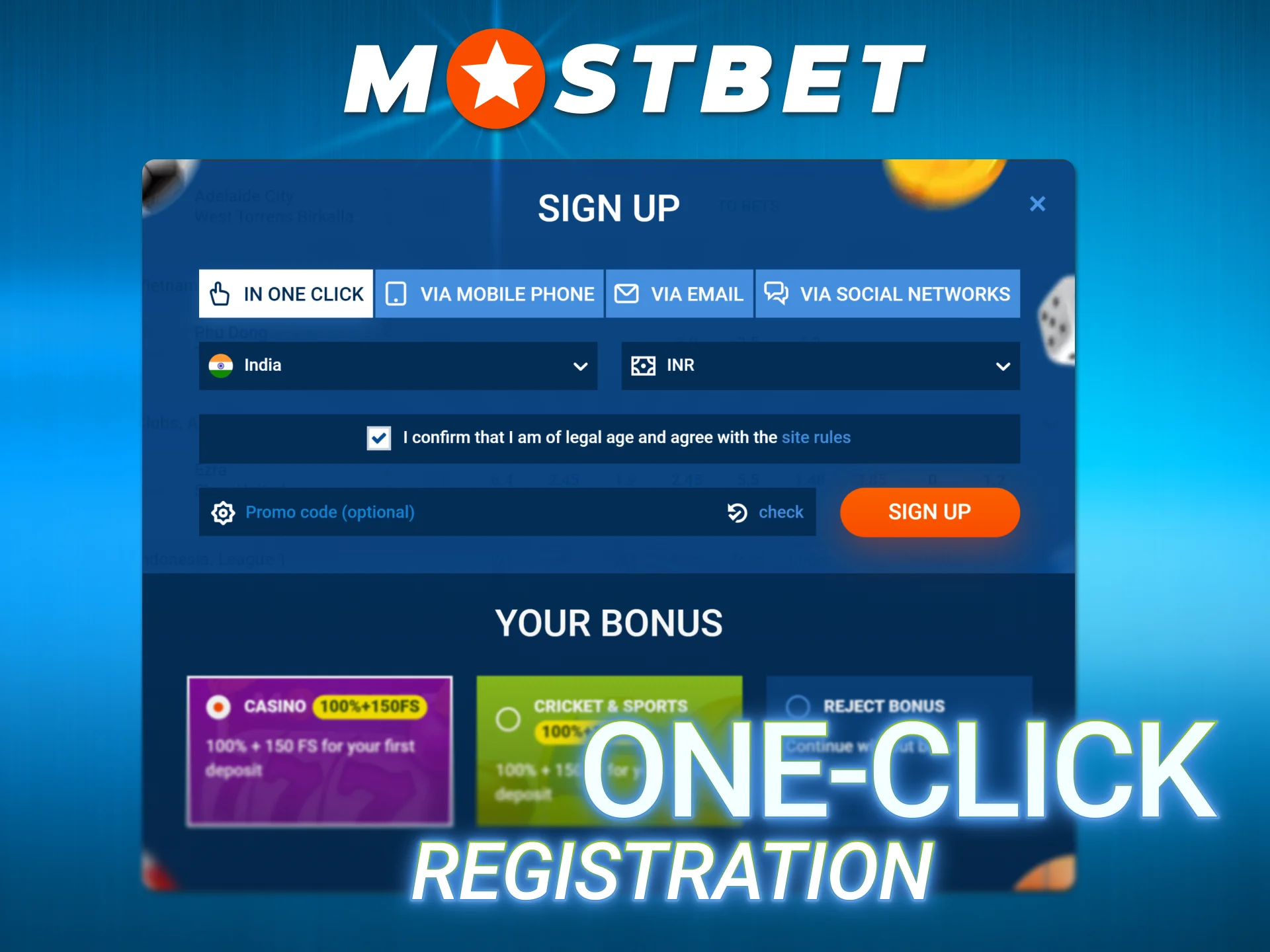
Mostbet sign-up via One-Click is the fastest route – the entire process takes under 30 seconds. It is designed for users who want immediate access and are comfortable updating their profile details afterwards.
Steps:
- Tap “Registration” → select “One Click”.
- Select country: India and currency: INR.
- Enter promo code if you have one.
- Select your welcome bonus type.
- Tap “Register”.
The system generates a random username and password automatically. These credentials appear once – copy them immediately or screenshot them before closing the screen.
After logging in with the generated credentials: go to Settings → Change Password and set a personal password you will remember. Add your phone number and email in the Profile section.
Email Registration Complete Guide
For users who prefer managing accounts through email, this method creates a permanent email-based login for Mostbet sign in on any device.
Steps:
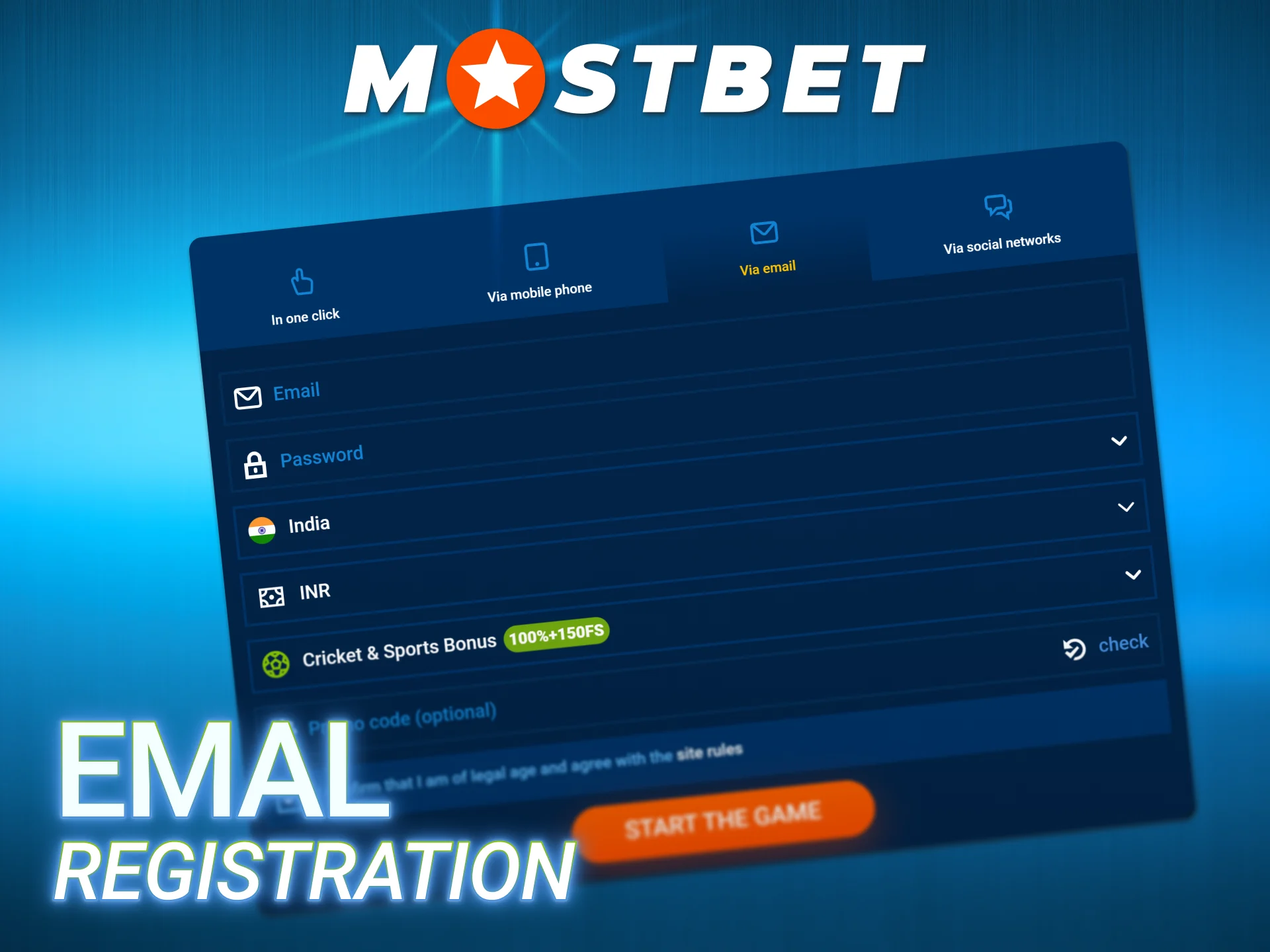
- Tap “Registration” → select “By Email”.
- Enter your email address and create a password.
- Select India as country and INR as currency.
- Enter promo code if applicable.
- Select your bonus type and accept the Terms.
- Tap “Register”.
After submitting, Mostbet sends a confirmation email. Open it and click the verification link. Check your spam folder if the email does not arrive within 2 minutes.
Register at Mostbet via the Mobile App
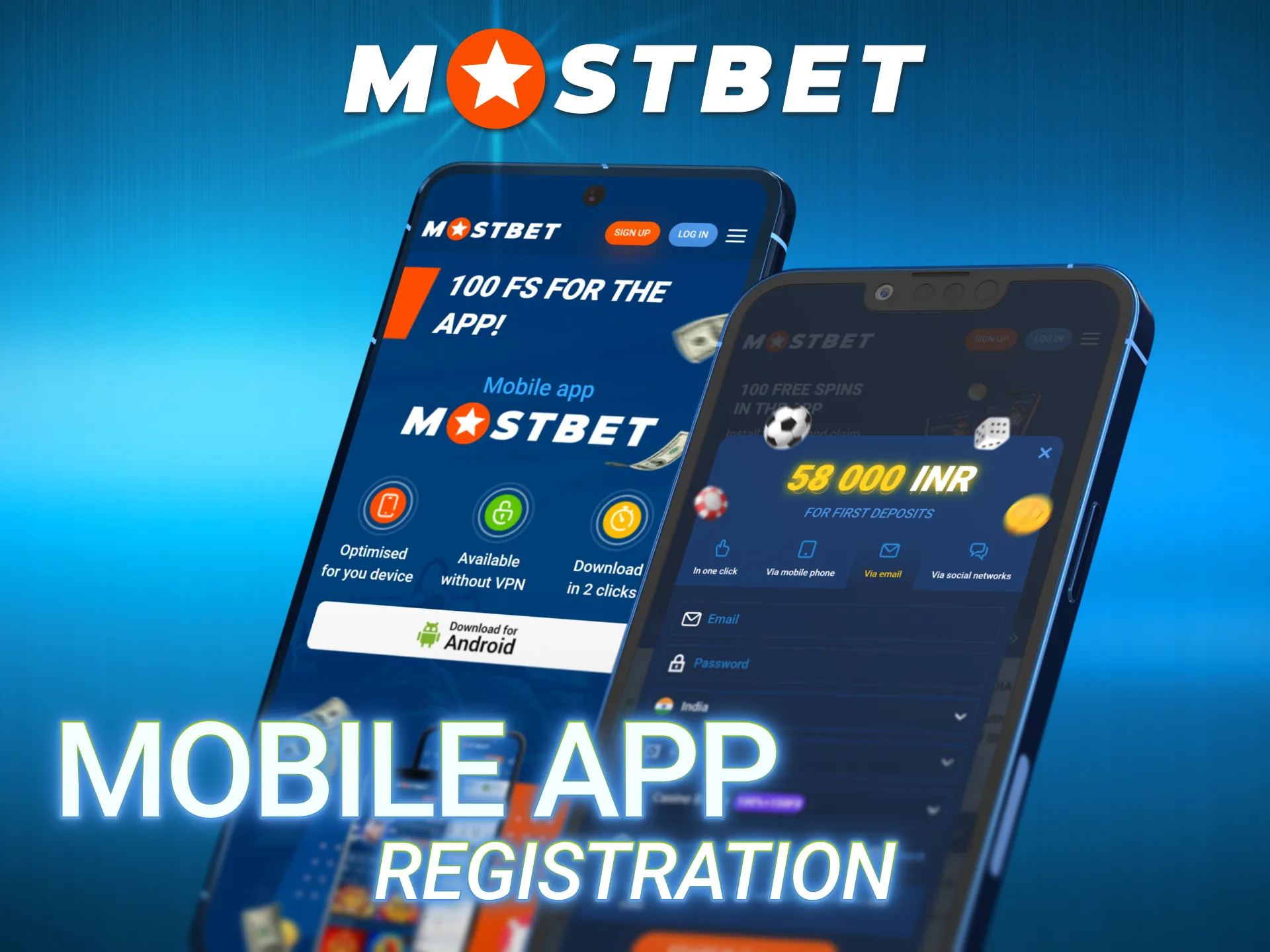
Mostbet online registration from the mobile app is identical to the web form but with one added advantage – biometric login can be activated the moment registration is complete.
- Open the Mostbet APK or iOS app and tap “Registration”.
- Choose your registration method and complete all fields (same as web).
- Select INR and your bonus type.
- Verify via OTP or social login.
- Immediately after login: Settings → Security → Fingerprint Login → Enable.
From the next session onward, opening the app and entering your account requires only a fingerprint – no password typing needed.
What You Can Access Right After Registration
One of the most common questions from new Indian users is: what is available before making a deposit? The table below gives a direct answer.
| Feature | Available immediately | Requires deposit | Requires KYC |
| Browse full sportsbook | ✅ | ❌ | ❌ |
| Aviator – demo mode | ✅ | ❌ | ❌ |
| Teen Patti – demo mode | ✅ | ❌ | ❌ |
| Casino slots – demo mode | ✅ | ❌ | ❌ |
| Live betting – browse only | ✅ | ❌ | ❌ |
| No-deposit 5 Free Spins | ✅ (activate within 72h) | ❌ | ❌ |
| Real-money sports betting | ❌ | ✅ | ❌ |
| Real-money casino play | ❌ | ✅ | ❌ |
| Welcome bonus activation | ❌ | ✅ | ❌ |
| Withdrawal of winnings | ❌ | ✅ | ✅ |
The no-deposit bonus – 5 Free Spins – is available immediately after creating a new account on Mostbet. Go to My Offers within 72 hours of registration and tap Activate. Wagering requirement is x40.
KYC Verification – When and How to Complete It
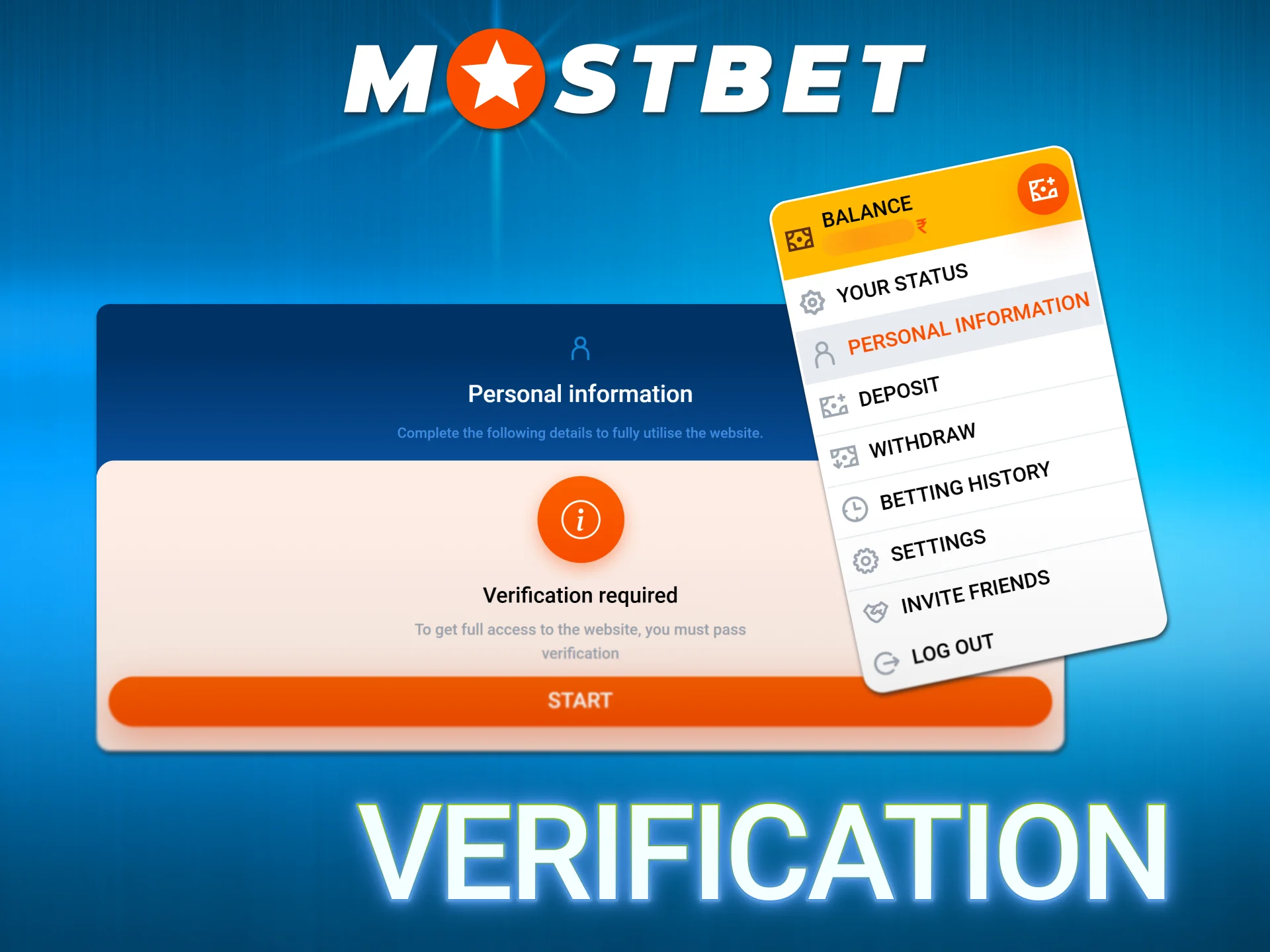
Mostbet verification is not required to place bets or play casino games. It becomes mandatory before your first withdrawal of any amount. Completing it in advance – immediately after registration – prevents delays when you want to access your winnings.
KYC is completed from Profile → Verification in both the website and the app.
Documents Required for Indian Users
The table below covers what is accepted for each document category.
| Document Type | Accepted Documents | Must Show |
| Identity proof (mandatory) | Aadhaar Card, PAN Card, Passport, Driving Licence, Voter ID | Full name, date of birth, photo, document number |
| Address proof (if requested) | Aadhaar, Voter ID, electricity/gas/landline bill, bank statement (last 3 months) | Name, current residential address, date |
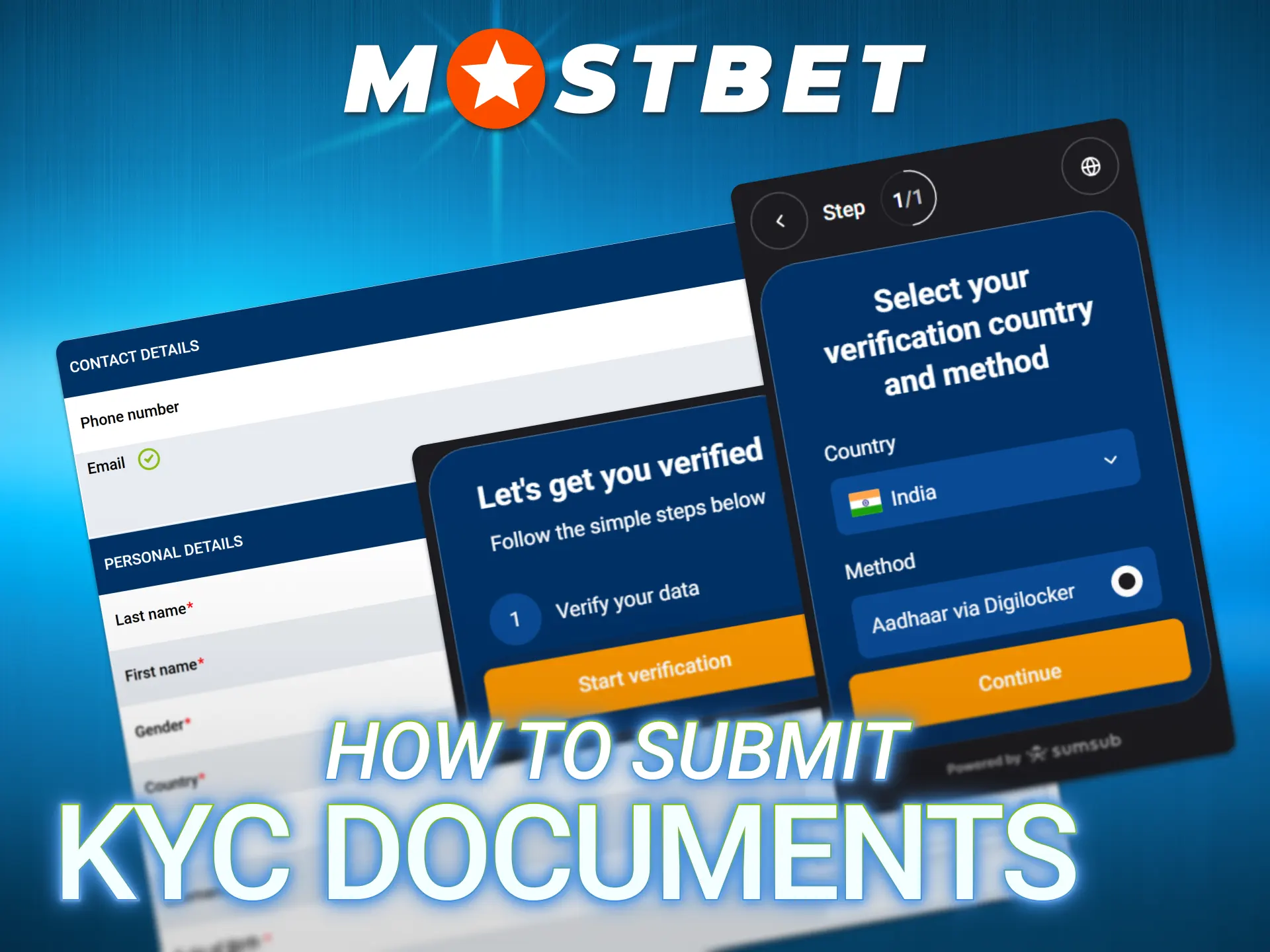
How to Submit KYC Documents
- Log in → go to Profile → Verification.
- Fill in all personal data fields: full name, date of birth, address, city, pincode.
- Upload your identity document – photo or scan in JPEG, PNG or PDF format.
- If address proof is requested, upload that as a second document.
Photo requirements:
- Good lighting – no reflections, no shadows on the document;
- All four corners of the document must be visible in the frame;
- All text must be legible without zooming;
- No editing, cropping or filters applied.
Processing time: usually a few hours; maximum 48 hours. Track status: visible in Profile → Verification tab – Pending / Approved / Rejected.
Why KYC Gets Rejected – and How to Fix It
| Rejection Reason | Fix |
| Photo blurry or low resolution | Retake in good natural light; use the phone’s rear camera |
| Document edges cut off | Move further from the document before shooting |
| Name mismatch with account | Update account name in Profile to exactly match document |
| Document expired | Use a currently valid document |
| Wrong document type | Use Aadhaar, PAN, Passport, Driving Licence or Voter ID only |
After correction, resubmit immediately from the same Profile → Verification screen – no need to contact support for quality-related rejections.
Mostbet Account Login After Registration
Once your account is created, Mostbet account login is straightforward from any device using the same credentials.
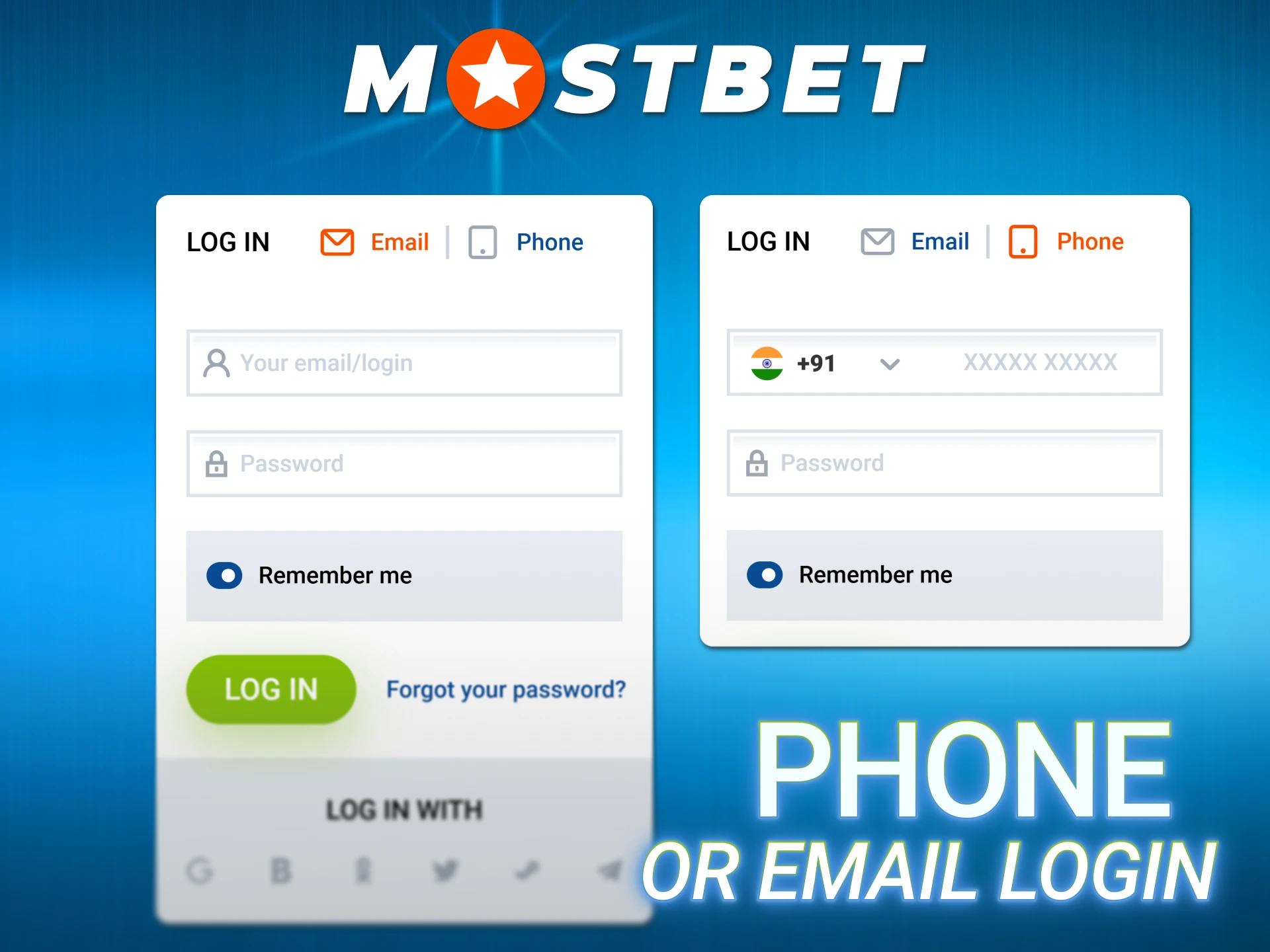
Login via Phone or Email
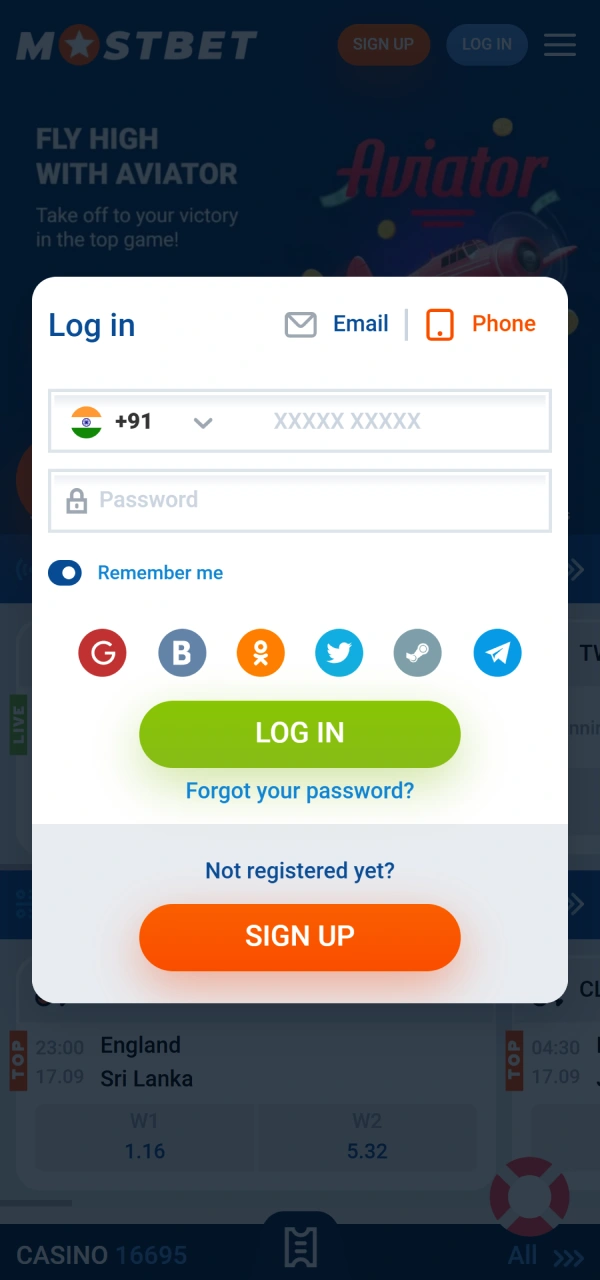
Go to the Mostbet official website or open the app → tap “Login” → enter your phone number or email and password → tap “Sign In”.
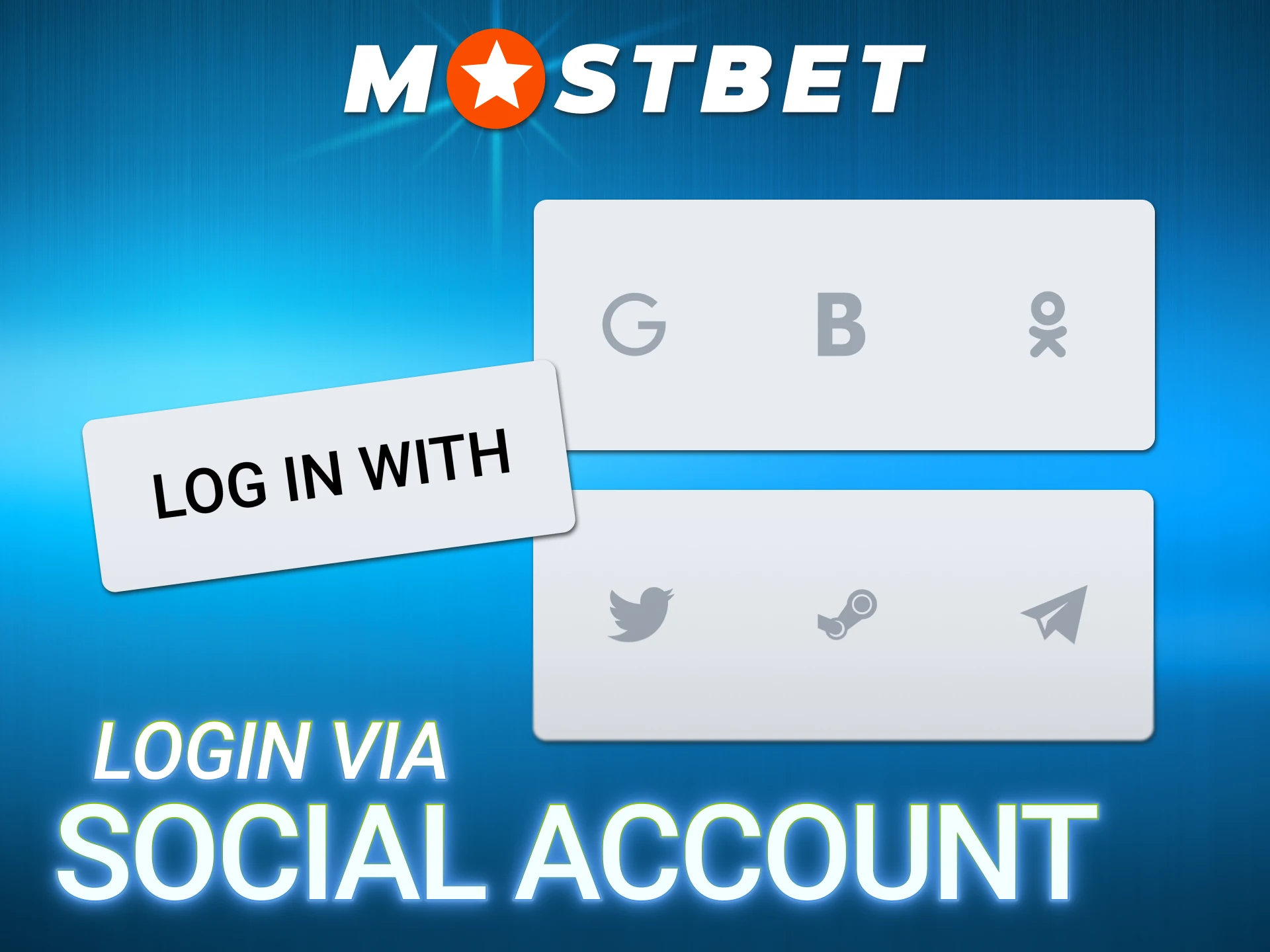
Login via Social Account
Tap “Login” → tap the Google, Telegram or Steam icon → authorise – you are taken directly to your dashboard.
Forgot Password – Recovery
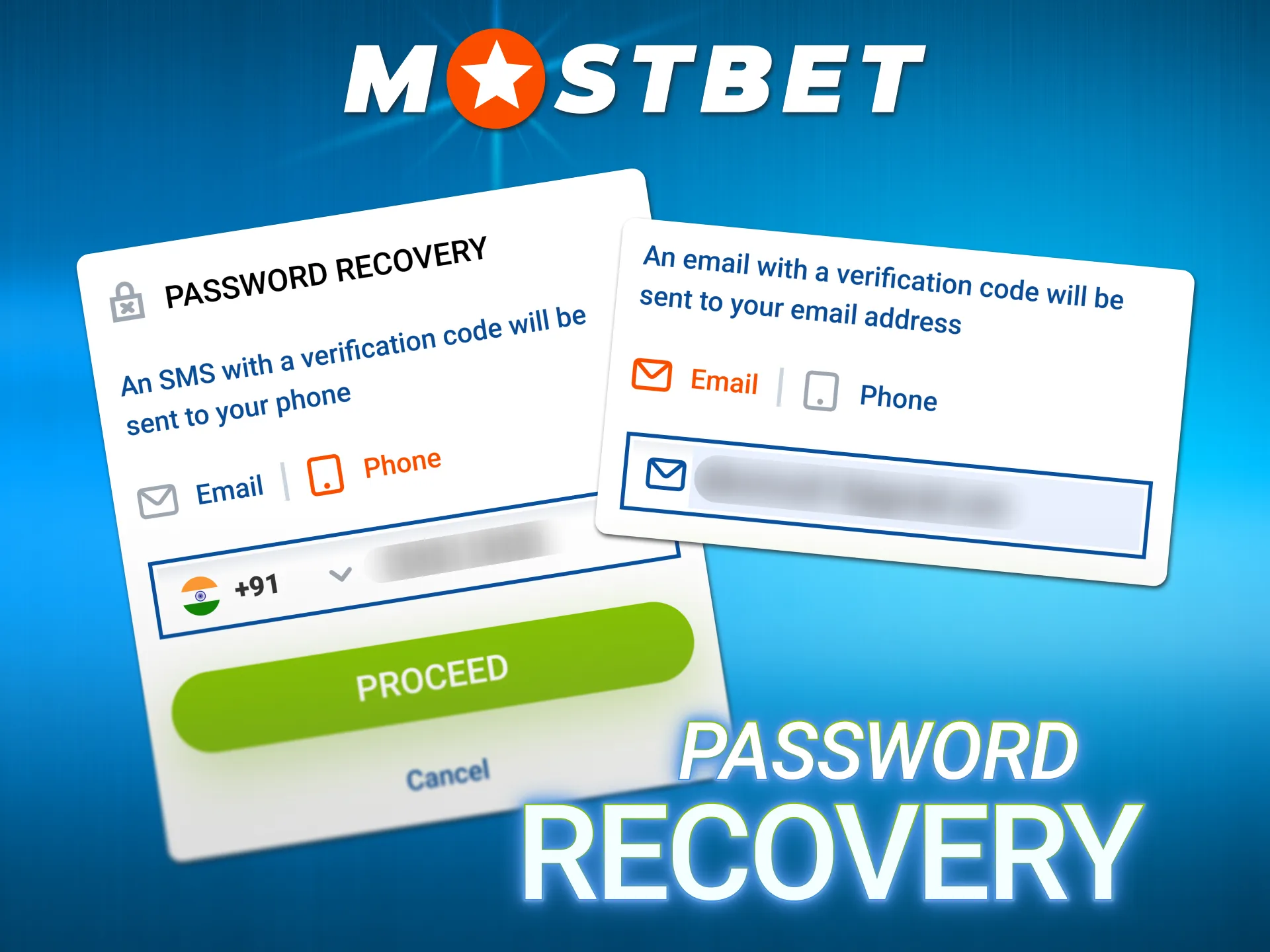
- Mostbet sign-in screen → tap “Forgot Password?”.
- Enter your registered phone number or email.
- Receive OTP via SMS or email link.
- Enter the OTP → create a new password.
- Log in with the new password.
Account Locked After Failed Attempts
- Wait 15 minutes and retry;
- Or: use “Forgot Password” to reset immediately;
- For persistent issues: Live Chat 24/7 → provide your registered phone or email.
Registration Troubleshooting
These are the most frequently reported problems when completing Mostbet registration in India, with direct solutions.
| Problem | Cause | Solution |
| OTP not received | Wrong number or network delay | Confirm +91 prefix is correct; wait 60 seconds; tap “Resend” |
| Can’t select INR currency | Missed during registration | Contact Live Chat within 24 hours of registration |
| Promo code not working | Entered after account creation | Code only works during registration form – create a new account if within same day |
| “Account already exists” error | Duplicate detected by system | Do not create a new account – contact Live Chat to resolve |
| Bonus not showing in My Offers | Bonus type not selected during registration | Contact support within 24 hours – some can be assigned manually |
| Verification email not arriving | Wrong email or spam filter | Check spam; contact Live Chat with your phone number |
| Registration blocked by ISP | ISP-level DNS restriction | Change DNS to 8.8.8.8 in Wi-Fi settings; try mobile data |
| Can’t change bonus after sign-up | System restriction | Contact Live Chat within 24 hours for manual review |
One Account Per Person – Rules and Consequences
This rule is strictly enforced at Mostbet India and is worth understanding before registering, not after.
What is monitored:
- Device fingerprint;
- IP address;
- Email address;
- Phone number;
- Payment method (UPI ID, bank account, card).
Consequences of creating a duplicate account:
- Both accounts are blocked permanently;
- All balances are forfeited;
- All pending bets are cancelled;
- Any bonus amounts are voided.
For families: each family member can have a separate account using their own phone number, email and payment details registered in their own name. The restriction is per person, not per household, as long as different devices and payment methods are used.
Account Security – What to Configure Right After Registration
Setting up security immediately after creating a new account on Mostbet protects your funds and ensures you never lose access.
Priority steps in order:
- Add email (if registered by phone): Profile → Settings → Add Email – used for account recovery.
- Enable 2FA: Settings → Security → Two-Factor Authentication → Enable.
- Biometric login (app users): Settings → Security → Fingerprint / Face ID → Enable.
- Set Responsible Gambling limits before first deposit: Settings → Responsible Gambling.
- Deposit limit (daily / weekly / monthly);
- Loss limit per period;
- Session time reminder.
- Save your login credentials in a password manager – especially important for One-Click accounts where credentials are auto-generated.
FAQ
How do I register at Mostbet in India?
Go to the official Mostbet website or open the app, tap “Registration,” select your preferred method (One-Click, Phone, Email or Social), fill in the required fields, select INR as currency, choose your bonus type and confirm. The process takes under 2 minutes.
Can I change my currency after registration at Mostbet?
No. INR must be selected during the registration form. Currency cannot be changed after account creation.
What is the Mostbet promo code for registration?
A promo code field appears inside the registration form. Current codes are available on affiliate and review sites. Enter the code before tapping “Register” – it cannot be applied to an existing account.
Can I register at Mostbet if I am under 18?
No. The minimum age is 18. Mostbet verifies age through KYC before processing withdrawals. Underage accounts are permanently closed when identified.
How do I choose between sports and casino bonus during Mostbet sign-up?
Both options appear on the registration form before you submit. Select Sports for the 125% up to ₹45,000 bonus or Casino for 125% plus 250 Free Spins. You cannot switch after registration.
What documents are needed for Mostbet verification in India?
For identity: Aadhaar Card, PAN Card, Passport, Driving Licence or Voter ID. For address (if requested): the same Aadhaar, Voter ID or a recent utility bill or bank statement dated within 3 months.
How long does KYC verification take at Mostbet?
Typically a few hours. Maximum 48 hours. Track status in Profile → Verification tab.
Can I register with my Aadhaar card at Mostbet?
Yes. Aadhaar is accepted for both identity verification and address proof, making it the most convenient single document for Indian users.
What if I do not receive the OTP during Mostbet sign-up?
Confirm the +91 prefix is correct. Wait 60 seconds and tap “Resend OTP.” If it still does not arrive, try registration with email instead, or contact Live Chat.
Can I have two Mostbet accounts?
No. One account per person is strictly enforced. Duplicate accounts result in both being blocked and balances forfeited.
Can I register at Mostbet via the app?
Yes. The full registration form – all four methods – is available inside the Mostbet Android APK and iOS app. The process is identical to the website.
Can I add a promo code after registration?
No. The promo code field is only available during the registration form. It cannot be applied to an existing account.
How do I log in to Mostbet after sign-up?
On the official website or in the app, tap “Login,” enter your phone number or email and password, and tap Sign In. Biometric login (fingerprint or Face ID) can be enabled in Settings after the first login.
Updated:
Social Login Registration via Google, Telegram, Steam
Social login is the second-fastest method after One-Click. It eliminates password creation entirely and uses an account you already have.
Steps:
Important: even when using social login, the currency selection and bonus choice steps still appear – do not skip them.